AI is no longer a far-off idea in education. It is already showing up in lesson planning tools, search engines, writing apps, learning platforms, quiz builders, tutoring products, and the everyday workflows teachers use to get through a busy week. The U.S. Department of Education’s report on AI and the future of teaching and learning makes the same point: schools need practical guidance, not just excitement about new tools.
That creates a real challenge: teachers do not need more hype. They need practical judgment.
Used well, AI can help teachers save time, create better practice materials, differentiate support, and make review more engaging. Used poorly, it can produce shallow work, inaccurate answers, privacy concerns, and student overreliance.
So the better question is not, “Should teachers use AI?”
The better question is: What should teachers use AI for—and what should stay firmly in the hands of the teacher?
Start With the Right Mindset: AI Should Assist, Not Replace
AI works best when it acts like a planning assistant, brainstorming partner, or first-draft generator. It should not replace the professional decisions teachers make every day: what students need, what misconceptions matter most, when to slow down, how to respond to frustration, and how to build trust.
That human-centered approach also lines up with UNESCO’s AI competency framework for teachers, which emphasizes human agency, ethics, pedagogy, and professional learning.
A helpful rule of thumb:
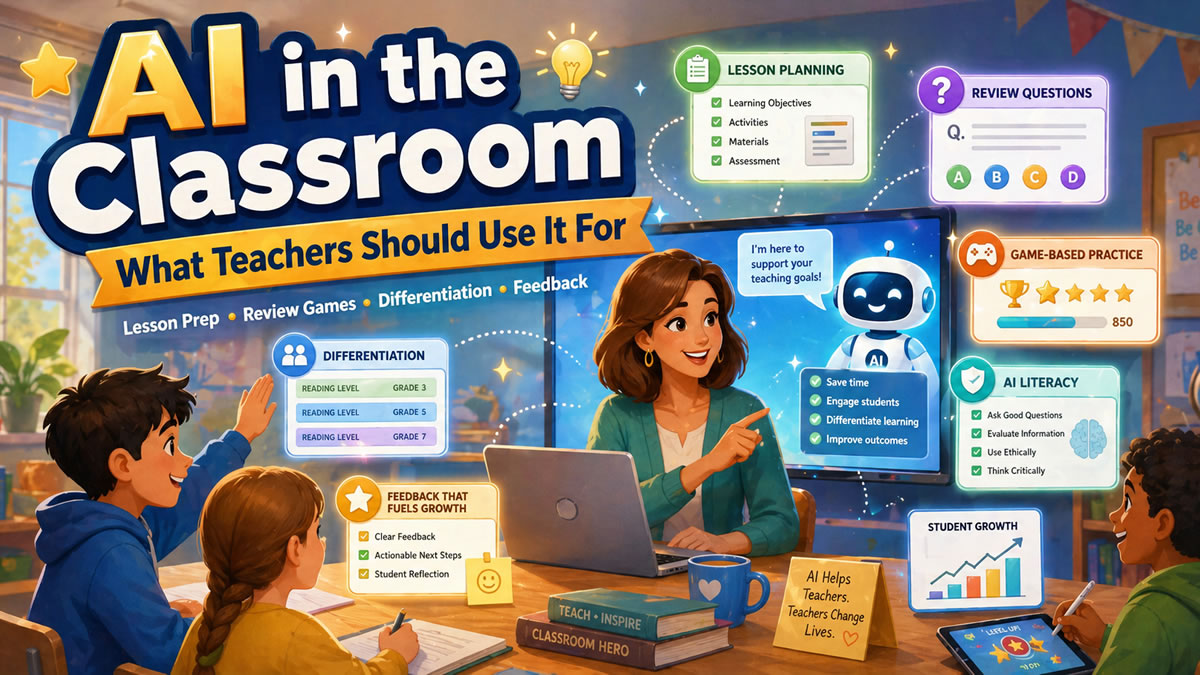
Use AI for preparation, variation, and practice. Use teacher judgment for purpose, accuracy, relationships, and final decisions.
That distinction matters because teaching is not just content delivery. A strong lesson depends on timing, classroom culture, student readiness, pacing, motivation, accessibility, and hundreds of tiny decisions that happen in real time.
AI can help with:
- Generating first drafts of questions or activities
- Creating examples at different difficulty levels
- Turning notes into review materials
- Suggesting alternate explanations
- Organizing ideas into a lesson sequence
- Building quick checks for understanding
Teachers should still lead:
- Final content review
- Student-facing instructions
- Grading decisions
- Sensitive feedback
- Intervention planning
- Classroom discussion
- Ethical and privacy decisions
💡 Pro Tip
Treat AI output like a student draft: useful, promising, and worth reviewing carefully before anyone else sees it.
1. Use AI to Speed Up Lesson Prep
One of the most practical uses of AI is reducing the blank-page problem.
Teachers often know exactly what they need—a warmup, a review activity, a set of vocabulary checks, a few extension questions—but creating it from scratch takes time. AI can help generate a starting point in seconds.
For example, a teacher might ask AI to:
- Create 10 review questions from yesterday’s lesson
- Rewrite a complex passage at two reading levels
- Generate three real-world examples of a math concept
- Turn a science standard into student-friendly learning targets
- Suggest a 15-minute review sequence before a quiz
- Create a quick misconception check after a difficult topic
The key is to be specific. “Make a lesson on fractions” will produce a generic result. “Create a 10-minute review for 5th graders comparing unlike denominators, including one visual model, two common mistakes, and five multiple-choice questions” will produce something much more useful.
Better Prompt Formula
Use this simple structure:
Grade level + subject + topic + goal + format + constraints
Example:
Create a 12-minute review activity for 7th grade science on photosynthesis. The goal is to help students distinguish reactants from products. Include 8 multiple-choice questions, 2 short explanations, and 2 common misconceptions. Keep the language clear for mixed reading levels.
This gives AI enough direction to produce something closer to what you actually need.
2. Use AI to Create Better Review Questions
AI can be especially helpful for creating practice questions, but only if teachers review and improve the output.
A strong question does more than check whether students memorized a definition. It reveals what students understand, where they are guessing, and which misconceptions are still getting in the way. Low-stakes questions can also support retrieval practice, which helps students practice pulling information from memory rather than simply rereading it -- one of the core mechanisms behind why game-based practice works.
AI can help generate:
- Multiple-choice questions
- Vocabulary checks
- Scenario-based questions
- “Which answer is most correct?” prompts
- Common misconception distractors
- Exit ticket questions
- Spiral review questions
But teachers should check every question for:
- Accuracy
- Grade-level fit
- Clear wording
- Alignment to the lesson objective
- Plausible distractors
- Avoiding trick questions
- Avoiding biased or culturally narrow examples
A useful workflow is to ask AI for a first draft, then ask it to improve the question quality.
Example:
Revise these questions so each incorrect answer represents a realistic misconception. Avoid silly distractors. Make the correct answer clear, but not obvious.
That one extra step often makes AI-generated questions much more useful for instruction.
3. Use AI to Turn Content Into Games
Review games are one of the clearest places where AI can save teachers time without taking over the teacher’s role.
Instead of manually writing every question, teachers can use AI to turn existing notes, study guides, vocabulary lists, standards, or unit summaries into playable practice. Then students get the benefit of retrieval practice, immediate feedback, and a more motivating format. Research on gamification in formal educational settings suggests that game elements can support learning outcomes when they are designed thoughtfully and connected to clear instructional goals.
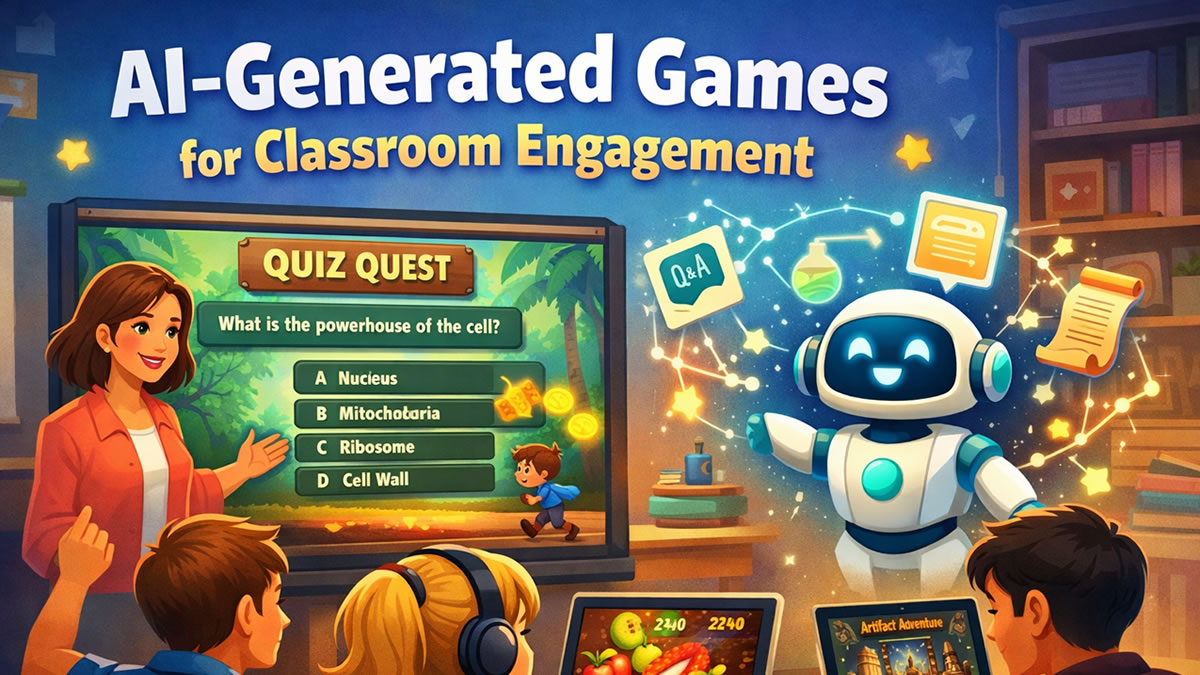
With BrainFusion Games, teachers can create a question set with AI and use it across all six game modes: Quiz Quest, Artifact Adventure, Ninja Fruit Frenzy, Flashcard Fusion, Helicopter Hangtime, and Smart Shot.
That matters because students often need repetition—but they do not need the same activity every time.
A teacher might use the same content in different ways across a week:
- Monday: Quick diagnostic review game
- Tuesday: Flashcard-style practice for vocabulary
- Wednesday: Team-based review for misconceptions
- Thursday: Fast-paced fluency game
- Friday: Low-stakes cumulative challenge
The teacher still decides what matters. AI simply helps build the practice faster. For a step-by-step walkthrough of this process, see From Lesson Plan to Game in Minutes.
🎮 Classroom Idea
Paste your unit review notes into BrainFusion, generate a game, then use the missed-question report to decide what to reteach the next day.
4. Use AI for Differentiation Support
Differentiation is one of the most time-consuming parts of teaching. AI can help teachers create variations without starting over each time.
For example, AI can help produce:
- A simpler explanation for students who need more support
- A challenge version for students who are ready to extend
- Vocabulary previews for multilingual learners
- Step-by-step hints for difficult problems
- Alternate examples using familiar contexts
- Reading-level adjustments for background texts
- Practice sets organized by difficulty
A useful lens here is Universal Design for Learning, which encourages teachers to reduce barriers and provide multiple ways for students to access, engage with, and show their learning.
This is not the same as letting AI “decide” what students need. The teacher should still make the instructional decision.
AI is most helpful when the teacher already knows the student need:
- “Several students are confusing area and perimeter.”
- “My English learners need vocabulary support before the reading.”
- “My advanced group needs application questions, not more recall.”
- “The class understands the formula but not when to use it.”
Once the need is clear, AI can help generate the materials faster.
5. Use AI to Support Feedback, Not Replace It
AI can help teachers draft feedback, but feedback is personal. Students need to know that a real person sees their effort, understands their growth, and believes they can improve.
The Education Endowment Foundation’s guidance on teacher feedback is a helpful reminder that feedback should move learning forward, not simply comment on work after the fact.
Good AI-supported feedback should be:
- Specific
- Kind
- Actionable
- Tied to the learning goal
- Reviewed by the teacher before sharing
For example, a teacher might use AI to rewrite feedback in a clearer or more encouraging tone:
Rewrite this feedback for a 9th grade student. Keep it supportive and specific. Mention one strength and one next step.
Teacher draft:
Your evidence is strong, but the explanation is too short.
Improved version:
You chose strong evidence that supports your claim. Your next step is to explain how that evidence proves your point. Try adding one sentence that connects the quote back to your main idea.
That is a better starting point. But the teacher should still decide whether it fits the student, the assignment, and the classroom relationship.
6. Use AI to Build AI Literacy
Students are already encountering AI outside the classroom. That means schools cannot only focus on blocking or detecting AI use. Students also need to learn how to use it responsibly.
Common Sense Media’s overview of generative AI in K–12 education highlights several issues schools need to address, including AI literacy, privacy, bias, transparency, trust, accountability, and human oversight.
Teachers can help students understand:
- AI can be wrong
- AI can sound confident while making mistakes
- AI reflects patterns in data, not true understanding
- AI-generated text still needs human review
- AI should not replace original thinking
- Responsible use depends on the assignment
A simple classroom routine is the AI Check Challenge:
- Give students an AI-generated explanation.
- Ask them to highlight what is accurate.
- Ask them to find what is vague, missing, or incorrect.
- Have them revise the explanation using class notes.
- Discuss what the AI did well and where human thinking was needed.
This turns AI into an object of analysis instead of a shortcut.
What Teachers Should Be Careful About
AI can be useful, but it is not risk-free. Teachers should be especially careful with student privacy, accuracy, academic integrity, and overreliance.
For student data and online tools, teachers should follow district policy and official privacy guidance such as the U.S. Department of Education’s student privacy guidance for online educational services.
Best Practices:
- Review all AI-generated content before using it with students
- Avoid entering sensitive student information into public AI tools
- Follow school and district policies
- Use AI to support learning, not bypass thinking
- Make expectations clear when students are allowed to use AI
- Teach students how to verify and revise AI output
- Keep human discussion, writing, problem-solving, and collaboration central
Common Mistakes to Avoid:
- ❌ Using AI-generated questions without checking accuracy
- ❌ Asking AI to grade subjective work without teacher review
- ❌ Letting AI replace student thinking during practice
- ❌ Using vague prompts and expecting classroom-ready materials
- ❌ Treating AI as neutral, objective, or always correct
- ❌ Ignoring school policy or student data privacy rules
A healthy classroom AI policy does not have to be complicated. The TeachAI Guidance for Schools Toolkit can be a useful starting point for schools and teachers building shared expectations.
A simple classroom policy can start with three categories:
- Allowed: Brainstorming, review, study questions, feedback drafts
- Allowed with citation or teacher permission: Writing support, revision help, research assistance
- Not allowed: Submitting AI-generated work as original thinking, using AI on assessments, entering private student information
A Practical Weekly AI Workflow for Teachers
Here is a simple way to use AI without letting it take over your planning.
Monday: Generate a Warmup
Ask AI to create five quick questions from last week’s lesson. Use them as a bell ringer or short game.
Tuesday: Create Misconception Checks
Ask AI to generate questions where each wrong answer reflects a common mistake. Use the results to guide discussion.
Wednesday: Differentiate Practice
Ask AI for three versions of the same practice task: support, standard, and challenge.
Thursday: Build a Review Game
Use BrainFusion to turn your notes or question set into a game. Let students practice in a low-stakes format.
Friday: Review the Data
Look at which questions students missed most often. Use that information to plan a short reteach, small group, or spiral review for next week.
This workflow keeps AI in the right role: helping the teacher move faster while keeping instructional decisions human.
The Bottom Line
AI can be a helpful classroom tool when it saves teachers time, creates better practice, supports differentiation, and helps students learn how to think critically about technology.
But AI should not replace the most important parts of teaching: relationships, judgment, feedback, discussion, curiosity, and care.
The best use of AI in the classroom is not to make teaching automatic. It is to give teachers more time and better tools for the work only they can do. Ready to see what that looks like in practice? Explore BrainFusion's plans for educators and create your first AI-powered game in minutes.
Turn Your Next Lesson Into a Game in Minutes
Use BrainFusion to create AI-powered review games, check understanding, and see what students need next.