Employee training is only useful if people can remember and apply it later.
That is the hard part for HR and L&D teams. Employees may finish onboarding, compliance, product, or safety training, but completion does not guarantee retention. A person can pass a quiz on Monday and still forget the critical step when the real situation shows up two weeks later.
Improving knowledge retention after employee training requires a different rhythm. Instead of treating training as a one-time event, build a reinforcement loop that asks employees to recall, apply, and revisit the most important ideas over time.
This guide gives HR teams, L&D managers, and corporate trainers a practical way to make training stick without rebuilding the entire program.
Why Employees Forget Training
Most workplace training fails to stick for predictable reasons:
- The training covers too much in one sitting
- Employees consume information passively instead of practicing recall
- Quizzes measure completion more than understanding
- Follow-up happens too late or not at all
- Managers do not know which concepts employees missed
- Training examples feel too generic to connect with real work
The issue is rarely that employees do not care. More often, the format does not give them enough chances to retrieve and apply the information.
Learning science points to a practical solution: people remember more when they repeatedly pull information from memory, get feedback, and revisit difficult concepts over time. The Learning Scientists describe retrieval practice and spaced practice as two evidence-based strategies that help learning last.
For workplace training, that means the follow-up matters as much as the first session.
Start With the Few Things Employees Must Remember
Before designing reinforcement, narrow the training down to the decisions employees must make later.
Ask:
- What should employees be able to do one week after training?
- What mistakes would create the biggest risk or rework?
- Which steps are easy to confuse?
- Which policies, product details, or safety procedures change most often?
- What should managers be able to observe on the job?
This turns retention from a vague goal into a usable target.
For example:
| Training Topic | Weak Retention Goal | Strong Retention Goal |
|---|---|---|
| New hire onboarding | Remember the handbook | Know where to find help and follow key first-week processes |
| Cybersecurity | Understand phishing | Identify suspicious messages and report them through the approved channel |
| Product training | Know the feature list | Match customer needs to the right feature or plan |
| Safety training | Complete the module | Choose the correct response during a common workplace hazard |
| Customer service | Learn the policy | Apply the escalation process in realistic customer situations |
Once the target is clear, reinforcement becomes easier to build.
Use Retrieval Practice Instead of Re-Reading
Many teams try to improve retention by sending the same slide deck again. That usually leads to skimming.
Retrieval practice works better because it asks employees to recall information from memory.
Examples:
- A 5-question knowledge check after onboarding
- A quick product scenario in the weekly sales meeting
- A "what would you do first?" safety prompt before a shift
- A short compliance refresher one week after the main course
- A team game that revisits the most missed questions from the last session
The key is to make employees answer, choose, explain, or apply. Re-reading is passive. Retrieval is active.
Good retrieval questions should be:
- Short enough to answer quickly
- Focused on one decision or concept
- Written in workplace language
- Connected to a real task or risk
- Followed by immediate feedback
This is where short training games can be useful. A browser-based BrainFusion game can turn approved training content into quick recall practice employees can join without installing software or creating learner accounts.
Space Reinforcement Over Time
One follow-up quiz is helpful. A reinforcement cadence is better.
The best cadence depends on the topic, but a simple pattern works for many employee training programs:
| Timing | Purpose | Example |
|---|---|---|
| Same day | Confirm initial understanding | 5-question recap at the end of training |
| 2 to 3 days later | Catch early forgetting | Quick scenario check in Slack, Teams, or a live huddle |
| 1 week later | Reinforce key decisions | Short game or knowledge check on the hardest items |
| 30 days later | Test durable retention | Refresher with mixed questions and role-based examples |
| After policy or product changes | Update knowledge | New micro-module focused only on what changed |
The goal is not to overwhelm employees with constant quizzes. The goal is to revisit the highest-value knowledge before it fades.
For busy teams, keep each reinforcement activity short. Five to ten minutes is usually enough when the questions are focused.
Turn Missed Questions Into the Next Training Plan
Retention improves faster when teams use data from practice sessions.
Instead of asking only "Did employees complete the training?", ask:
- Which questions were missed most often?
- Which wrong answer was most tempting?
- Did one team, role, or location struggle more than others?
- Did employees miss definitions or real-world applications?
- Which concepts should appear in the next refresher?
Question-level analytics are especially valuable because they show where the training broke down.
For example:
- If many employees miss the same phishing reporting question, the reporting process may need clearer instructions.
- If new hires miss benefits enrollment deadlines, the onboarding checklist may need a simpler timeline.
- If sales reps confuse two product tiers, the enablement materials may need sharper comparison examples.
- If managers miss escalation scenarios, manager training may need a separate follow-up.
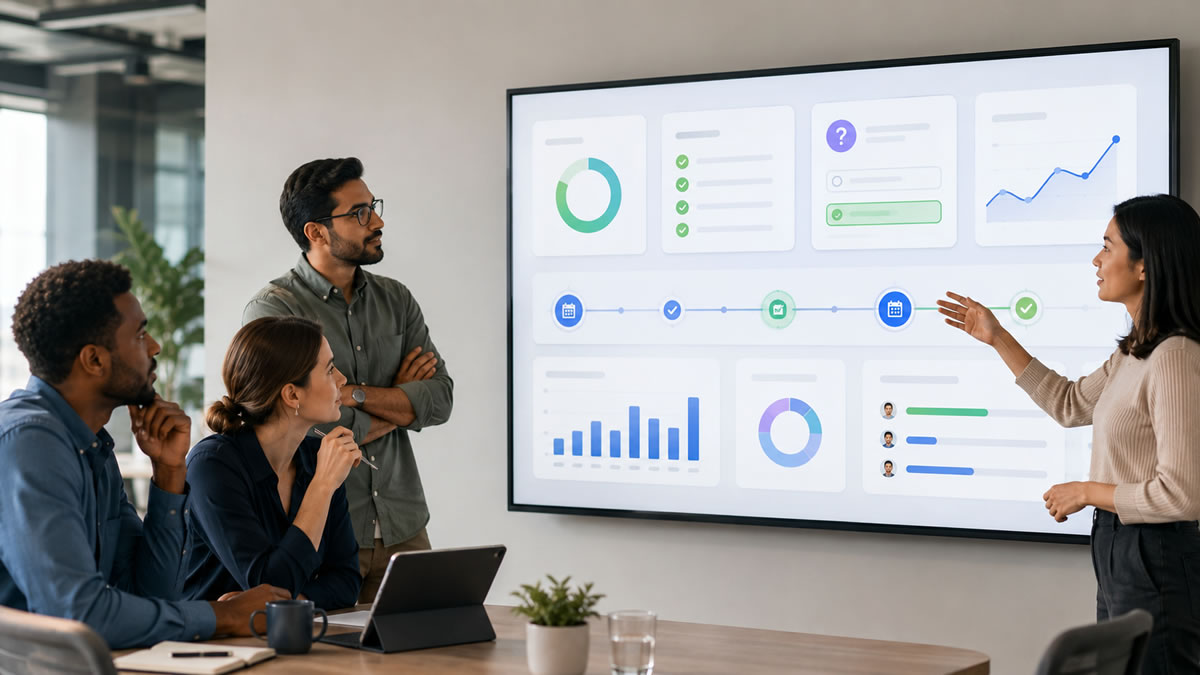
With BrainFusion, trainers can run a short knowledge check and review which questions caused the most trouble. That makes the next reinforcement session more targeted, not just more frequent.
Our employee training knowledge-check template shows how to connect a workplace decision, a question, and a follow-up action. Use a comparable new example for a later check rather than relying only on recognition of the original answer.
Add Scenarios So Employees Practice Application
Retention is not just remembering words. Employees need to know what to do.
Scenario questions help because they force employees to apply training in context.
Weak question:
What is the company's data privacy policy?
Better question:
A customer asks you to email their account history to a personal email address. What should you do first?
Weak question:
What is the escalation process?
Better question:
A customer reports a billing issue and threatens to cancel. Which step should you take before promising a refund?
Scenarios work well for:
- Compliance refreshers
- Safety procedures
- Product knowledge
- Sales enablement
- Customer service
- Manager training
- Onboarding
Keep scenarios short. A training refresher is not a legal exam or a full case study. It should help employees recognize the right action in a familiar situation.
Make Feedback Teach the Reason
Feedback is one of the easiest ways to improve retention, but many training quizzes waste it.
Weak feedback:
Incorrect.
Better feedback:
Not quite. If the request involves customer data, verify the recipient and use the approved sharing process before sending anything.
Useful feedback should:
- Explain why the correct answer is correct
- Name the risk or consequence in plain language
- Point back to the rule, policy, or workflow
- Avoid shaming employees for mistakes
- Be short enough to read during a quick activity
If employees only see a score, they may not know what to fix. If they see a clear explanation, the missed question becomes a learning moment.
Build a Simple Retention Loop
You do not need a complex learning technology stack to improve retention. Start with a repeatable loop:
- Choose one training topic.
- Identify the 5 to 10 points employees must remember.
- Convert those points into short recall and scenario questions.
- Run a quick knowledge check after training.
- Review the most missed questions.
- Create a short follow-up activity for those gaps.
- Repeat after one week and one month.
For example, a product training loop might look like this:
- Day 1: Sales team completes product update training
- Day 1: Team plays an 8-question BrainFusion game covering the update
- Day 3: Manager sends a 3-question scenario check
- Day 7: Team plays a quick follow-up game using the top missed questions
- Day 30: L&D runs a mixed refresher with old and new product scenarios
That loop reinforces what matters, gives managers visibility, and keeps training from becoming a one-time event.
For more on creating short reinforcement modules, see Game-Based Microlearning for Corporate Training with AI.
Where BrainFusion Fits
BrainFusion helps HR, L&D, and training teams turn existing material into short, browser-based learning games.
Teams can:
- Generate a first draft of questions from training content
- Import or manually edit question sets
- Run live sessions with simple join codes
- Give employees immediate feedback during gameplay
- Review question-level analytics after the activity
- Reuse the same question set across multiple game formats
This makes BrainFusion useful for reinforcement after onboarding, compliance training, product updates, safety refreshers, and professional development.
It should not replace your LMS, HRIS, legal review process, or required compliance recordkeeping. Use it as an engagement and reinforcement layer that helps employees practice and helps trainers see what needs follow-up.
For a broader view of workplace use cases, read How Game-Based Learning Boosts Employee Engagement and Retention.
Common Mistakes to Avoid
Avoid these retention traps:
- Treating completion as proof of understanding
- Waiting a full year before revisiting required training
- Asking only definition questions
- Sending long documents as the only follow-up
- Letting AI generate unreviewed policy or compliance content
- Overloading employees with too many reminders
- Using leaderboards for sensitive or high-stakes topics
- Ignoring missed-question data after a session
The best reinforcement is focused, short, useful, and connected to real work.
Final Takeaway
To improve knowledge retention after employee training, do not just repeat the same content. Give employees repeated chances to recall, apply, and correct the most important ideas.
Start small:
- Pick one training topic
- Create 8 to 10 practical questions
- Run a short knowledge check
- Review the missed questions
- Follow up one week later
That simple loop can make training more memorable, more measurable, and easier to improve over time.
Turn one training topic into a retention check
Create a browser-based training game from existing onboarding, policy, product, or safety content, then review what employees understood.