Multiple-choice questions look simple on the surface: one question, four answers, one correct choice.
But any teacher who has written a quiz at 9:30 p.m. knows the truth: good multiple-choice questions are hard to write. The wrong distractors are too obvious. The stem is confusing. One answer choice accidentally gives away the answer. Or the question only checks whether students can recognize vocabulary, not whether they actually understand the concept.
AI can help — but only if you use it as a drafting partner, not a replacement for teacher judgment. UNESCO’s guidance on generative AI in education emphasizes a human-centered approach to AI in teaching and learning, and NYC Public Schools similarly notes that AI outputs require human oversight, review, and critical evaluation.
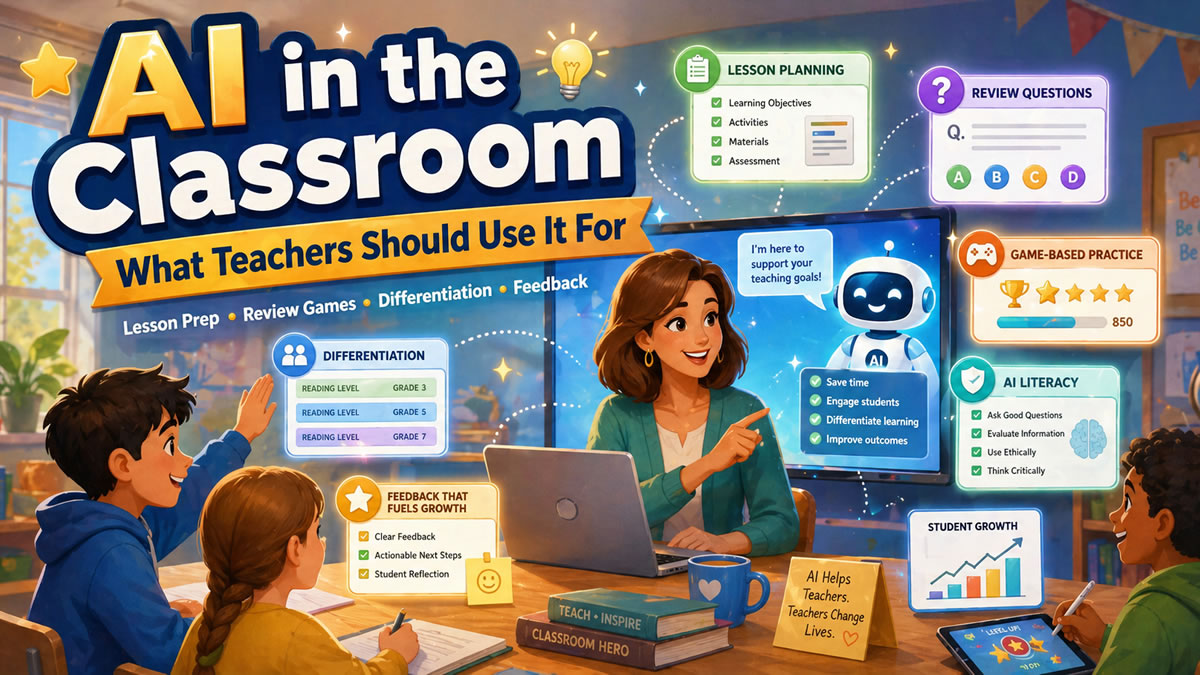
When used well, AI can help you create clearer stems, stronger distractors, better review questions, and faster game-based practice. The key is knowing what to ask for, what to review, and how to improve the output before students ever see it.
Why Multiple-Choice Questions Often Fall Flat
A weak multiple-choice question usually fails in one of three ways.
First, it may be too easy to guess. Students can eliminate silly distractors without understanding the content. If the correct answer is much longer, more specific, or more carefully worded than the others, the question becomes a test-taking puzzle instead of a learning check. University teaching-center guidance from UConn and UT Austin recommends using plausible distractors and keeping answer choices similar in grammar, length, complexity, and style to reduce guessing clues (UConn; UT Austin).
Second, it may be unclear. Long stems, vague wording, double negatives, and tricky phrasing can make students miss the question for the wrong reason. That creates noisy data: you cannot tell whether students misunderstood the lesson or misunderstood the question.
Third, it may test only surface recall. Recall has its place, especially for vocabulary, formulas, dates, and foundational facts. But if every question asks “What is the definition of…?” students may perform well without being able to apply, compare, explain, or transfer the concept.
A strong multiple-choice question should:
- Align with a specific learning objective
- Ask one clear thing
- Include one defensibly correct answer
- Use plausible distractors based on real student misconceptions
- Give the teacher useful data for reteaching or review
That last point matters. A good question is not just a score generator. It is a window into student thinking. A widely cited review of multiple-choice item-writing guidelines found that classroom assessment benefits from researched, validated guidance for writing better items (ERIC summary of Haladyna, Downing, and Rodriguez).
💡 Pro Tip
Before writing answer choices, write the misconception you want each wrong answer to reveal. The University of Michigan recommends using common student misconceptions as a strong source of distractors, because they help distinguish students who understand the material from students who are guessing. Read the guidance.
The AI Workflow: From Objective to Better Question
AI works best when you give it structure. Instead of asking, “Make me 10 multiple-choice questions,” guide it through the same thinking process a strong teacher would use.
Step 1: Start With the Learning Target
Begin with the outcome, not the topic.
Weak prompt:
“Make questions about photosynthesis.”
Better prompt:
“Create multiple-choice questions for 7th grade life science. Learning target: Students can explain how light energy, carbon dioxide, and water are used to produce glucose and oxygen during photosynthesis.”
That small change helps AI write questions that are more focused. It also helps you avoid bloated question sets that mix vocabulary, processes, diagrams, and unrelated facts without a clear instructional purpose. UT Austin’s multiple-choice guidance similarly recommends connecting questions to instructional goals and making sure there is only one best or correct answer (UT Austin Center for Teaching and Learning).
Step 2: Choose the Cognitive Level
Not every question needs to be difficult. But every question should have a purpose.
Ask AI to create a mix of question types:
- Recall: Identify a term, fact, step, formula, or definition
- Conceptual understanding: Explain why something happens
- Application: Use knowledge in a new example or scenario
- Error analysis: Identify the mistake in a student response
- Comparison: Distinguish between similar concepts
For review games, this mix is especially useful. Students get quick wins from recall questions, but they also practice deeper thinking through application and misconception-based questions. NC State’s teaching resources recommend using real-world situations, diagrams, charts, and interpretation tasks when designing stronger multiple-choice items (NC State DELTA Teaching Resources).
Step 3: Request Plausible Distractors
Distractors are where many multiple-choice questions break down. AI can help by generating wrong answers that are not random, but connected to likely student errors.
Try this prompt:
Create 8 multiple-choice questions for [grade/subject/topic].

For each question:
- Align it to this learning target: [insert target]
- Include 1 correct answer and 3 plausible distractors
- Make each distractor reflect a common student misconception
- Avoid “all of the above” and “none of the above”
- Keep the stem clear and age-appropriate
- Label the correct answer
- Add a one-sentence explanation of why each distractor is wrong
The explanations matter. They help you quickly review whether the distractors are meaningful. They also give you language you can use during feedback, reteaching, or post-game discussion.
Before and After: Improving an AI-Generated Question
Here is a typical first-draft AI question:
First Draft
What is photosynthesis?
- The process plants use to make food
- The process animals use to breathe
- The process of water evaporating
- The process of soil turning into nutrients
This is not terrible, but it is basic. The correct answer is broad, and the distractors are easy to eliminate. It checks vocabulary recognition more than understanding.
Now here is a stronger version:
Improved Version
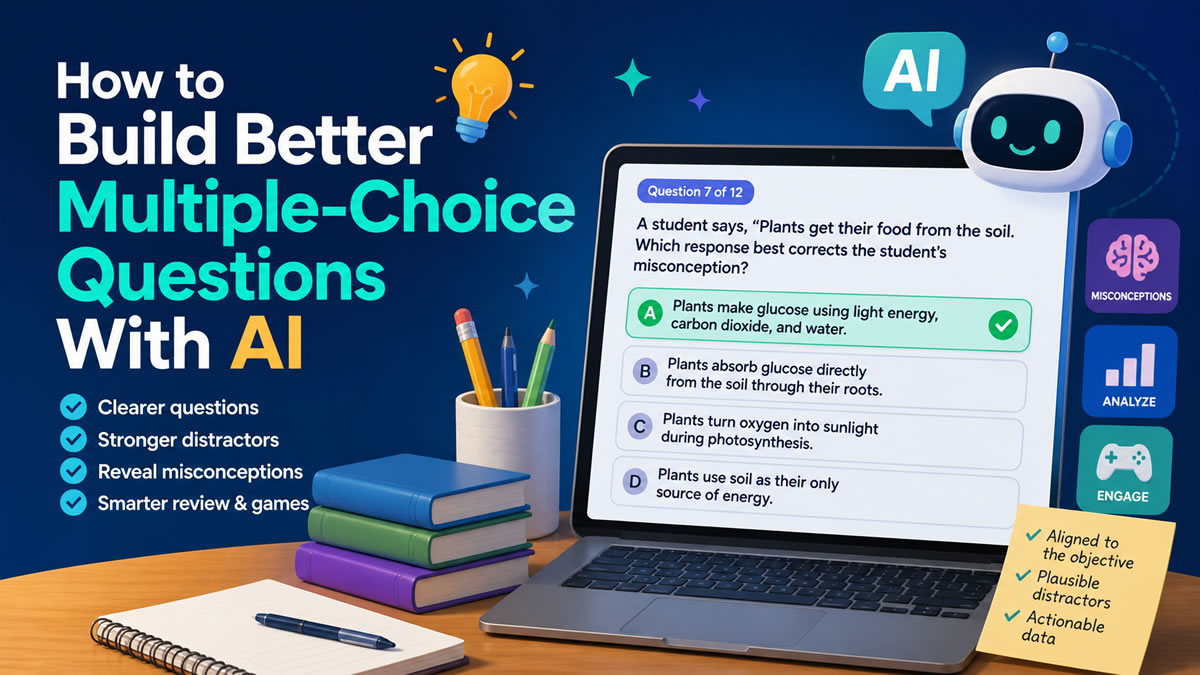
A student says, “Plants get their food from the soil.” Which response best corrects the student’s misconception?
- Plants make glucose using light energy, carbon dioxide, and water.
- Plants absorb glucose directly from the soil through their roots.
- Plants turn oxygen into sunlight during photosynthesis.
- Plants use soil as their only source of energy.
This version is stronger because it reveals a specific misconception: confusing nutrients from soil with glucose production. The wrong answers are still incorrect, but they are connected to real misunderstandings teachers often hear.
That is the goal: not just “Can students pick the right answer?” but “What does their choice tell me about their thinking?”
A Simple Quality Checklist for AI-Written Questions
AI can draft quickly, but teachers should always review before publishing. Use this checklist to improve the final question set.
1. Is the question aligned?
Every question should connect to a learning target. If the target is “solve one-step equations,” avoid drifting into multi-step equations unless that is intentional.
2. Is the stem clear?
Students should know exactly what is being asked before reading the answer choices. Avoid unnecessary story details unless the context supports the skill.
3. Is there only one correct answer?
Watch for answer choices that are technically true but not the best fit. This is especially common in ELA, social studies, and science.
4. Are the distractors plausible?
Wrong answers should not be silly. A good distractor should sound reasonable to a student who has a specific misconception.
5. Are the choices balanced?
Keep answer choices similar in length and style. Do not let the correct answer stand out because it is longer, more precise, or written in a different tone.
6. Does the question produce useful data?
After students answer, will you know what to review next? If not, revise the question or the distractors.
This checklist lines up with multiple university teaching-center recommendations: avoid grammatical clues, keep options parallel, use plausible distractors, avoid “all of the above” and “none of the above,” and check how well distractors work after students answer (UConn; UT Austin; NC State; University of Michigan).
⚠️ Watch Out
AI may generate questions that sound polished but include subtle inaccuracies. Always check facts, answer keys, grade-level fit, and wording before using questions with students. NYC Public Schools notes that generative AI can produce confident but incorrect outputs and that human review is required. Read the guidance.
How to Use AI Questions in Review Games
Once you have a strong question set, the next step is practice. Multiple-choice questions become more powerful when students use them for low-stakes retrieval, immediate feedback, and discussion.
That is where game-based learning fits naturally.
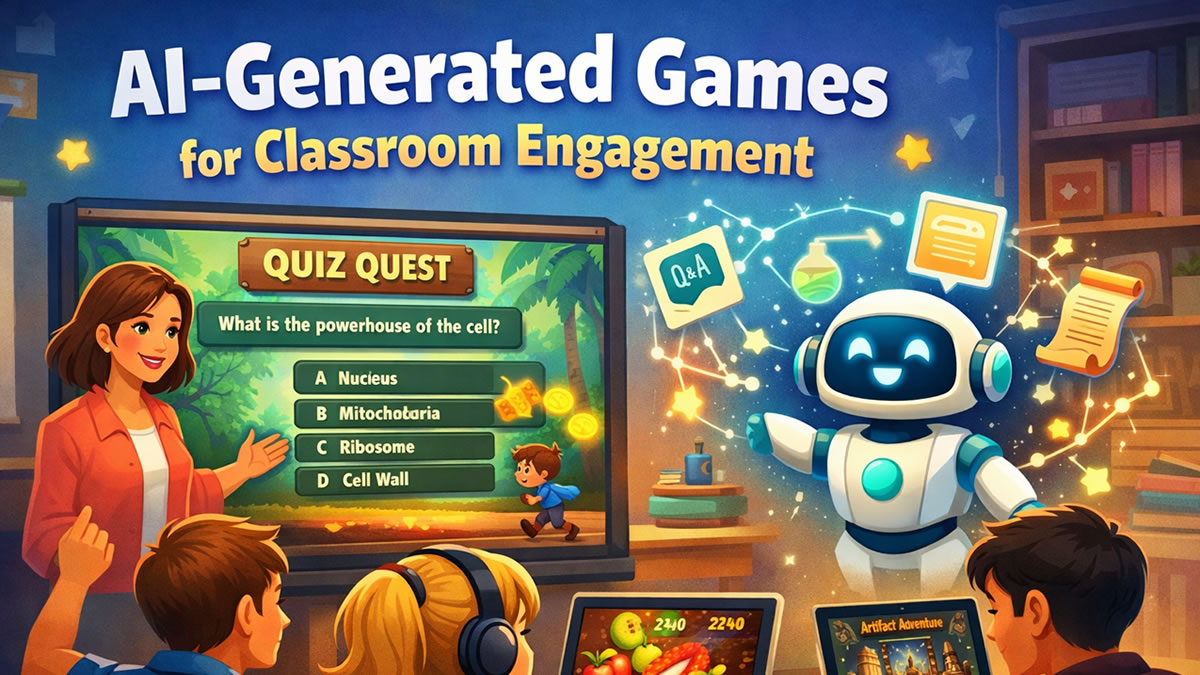
A 15-question review game can help students retrieve information, notice gaps, and stay engaged without feeling like they are taking another formal test. RetrievalPractice.org describes retrieval practice as a research-based strategy that strengthens long-term learning when students bring information to mind (RetrievalPractice.org). Carnegie Mellon’s Eberly Center also explains that formative assessment helps teachers identify where students are struggling and address problems immediately (Carnegie Mellon Eberly Center).
Game-based learning can support this kind of practice when the game is designed around clear learning goals. SRI’s systematic review and meta-analysis of digital games for K–16 learning found that digital games significantly enhanced student learning compared with non-game conditions, while also emphasizing that design matters beyond the game format itself (SRI International).
For example, if most students miss the same distractor on a photosynthesis question, that wrong answer may reveal a class-wide misconception. Instead of simply saying, “The answer was A,” you can pause and ask:
- “Why might B sound correct?”
- “What does the soil provide, and what does it not provide?”
- “How could we rewrite this answer to make it true?”
That turns a multiple-choice question into a short discussion, not just a right-or-wrong moment.
BrainFusion makes this workflow faster by helping teachers generate questions, turn them into playable games, and review question-level results afterward. You can create a question set once, use it in multiple game modes, and adjust future review based on what students actually missed.
Best Practices for AI-Assisted Question Writing
Use AI for Drafting, Not Final Approval
AI is excellent for generating options quickly. It can suggest stems, distractors, explanations, and variations. But the final decision should stay with the teacher.
You know the lesson context. You know what students have already learned. You know which vocabulary is appropriate, which examples will connect, and which misconceptions are most likely in your classroom.
Ask for Misconception-Based Distractors
Instead of asking for “wrong answers,” ask for “distractors based on common student misconceptions.” This small wording change usually produces better results.
For math, distractors might reflect sign errors, operation confusion, or skipped steps.
For science, they might reflect cause-and-effect misunderstandings.
For ELA, they might reflect overgeneralization, weak evidence, or confusing theme with summary.
For social studies, they might reflect chronology errors, oversimplified cause, or confusing related terms.
The University of Michigan recommends using common student misconceptions as a source of distractors, and NC State recommends evaluating items afterward to see how well the distractors worked (University of Michigan; NC State).
Generate More Than You Need
Ask AI for 15 questions when you need 8. That gives you room to reject weak items, combine ideas, and select only the strongest questions.
A good workflow is:
- Generate a larger set
- Delete weak or repetitive questions
- Improve the best ones
- Test them in a short game
- Use the results to revise future practice
Keep the Language Student-Friendly
AI sometimes writes like a textbook. Ask it to revise for your grade level and classroom tone.
Try:
“Rewrite these questions for 5th grade students. Keep the academic vocabulary that matters, but make the sentence structure clearer.”
This helps preserve rigor without adding unnecessary reading difficulty.
Common Mistakes to Avoid
❌ Mistake 1: Letting AI create vague questions
If the prompt is vague, the output will be vague. Always include grade level, subject, learning target, and desired question type.
❌ Mistake 2: Accepting every distractor
Some distractors will be too obvious, too strange, or accidentally correct. Review them carefully.
❌ Mistake 3: Only asking recall questions
Recall is useful, but students also need application, comparison, and error analysis questions.
❌ Mistake 4: Using questions without reviewing the data
The real value comes after students answer. Look for patterns in missed questions and use those patterns to plan the next review, mini-lesson, or small-group activity.
❌ Mistake 5: Making the question harder by making it confusing
Rigor does not mean tricky wording. A rigorous question asks students to think deeply. A confusing question makes them guess what the teacher meant.
A Ready-to-Use AI Prompt for Teachers
Copy and customize this prompt the next time you need review questions:
You are helping me create high-quality multiple-choice questions for classroom review.

Grade level: [insert grade]
Subject: [insert subject]
Topic: [insert topic]
Learning target: [insert learning target]
Student context: [briefly describe what students have learned]

Create 12 multiple-choice questions.

Requirements:
- Each question should assess the learning target
- Include a mix of recall, application, and misconception-based questions
- Provide 4 answer choices
- Make only one answer clearly correct
- Make distractors plausible and based on likely student mistakes
- Avoid trick questions, double negatives, and “all of the above”
- Keep wording age-appropriate
- Label the correct answer
- Explain what each wrong answer may reveal about student understanding
After AI responds, do not use the set immediately. Review it like a teacher-editor. Cut weak questions, improve distractors, and make sure the set fits your lesson.
Better Questions Lead to Better Practice
AI can save time, but the goal is not simply to create more questions faster. The goal is to create better practice.
When multiple-choice questions are clear, aligned, and built around real misconceptions, they become powerful tools for retrieval practice and formative assessment. Students get immediate feedback. Teachers get better insight. Review games become more than a fun activity — they become a smarter way to decide what students need next.
BrainFusion helps teachers move from idea to playable review in minutes, while still giving them control over the questions, game format, and follow-up data.
Turn Your Next Lesson Into a Game in Minutes
Use BrainFusion to create AI-assisted question sets, launch engaging review games, and see which concepts need another look.