Every teacher has a version of the same digital clutter problem.
There is the quiz app you tried during review week. The reading platform your district bought. The AI tool someone recommended in a staff meeting. The video tool students liked for two days. The flashcard app that seemed useful but now lives in a forgotten folder.
None of these tools are automatically bad. The problem is that too many tools create decision fatigue for teachers and login fatigue for students. At some point, the question is not “What new EdTech tool should I try?” It is “What EdTech tools should teachers keep?”
That question matters because classrooms now sit inside a very crowded digital ecosystem. Instructure’s EdTech Top 40 report, based on LearnPlatform usage data, shows just how many digital tools students and educators may encounter across a school year. More choice is not always the same as more learning.
The best classroom technology earns its place. It saves time, supports learning, reduces friction, and gives teachers information they can actually use. This guide offers a practical framework for deciding what stays, what goes, and what needs a smaller role.
The Real Problem Is Not Too Much Technology
The issue is rarely technology itself. Most teachers are not anti-tech. They are anti-waste.
A useful EdTech tool can make review faster, help students practice more often, support feedback, and make classroom routines smoother. A weak tool does the opposite. It adds steps, creates behavior issues, takes too long to set up, or produces data that nobody has time to interpret.
A good tool should answer at least one of these questions:
- Does this help students practice something important?
- Does this help me understand what students know?
- Does this save planning, grading, or reteaching time?
- Does this make a routine easier to repeat?
- Does this work without creating unnecessary account, device, or setup problems?
When a tool cannot answer one of those questions clearly, it may be time to retire it.
For more ideas on using classroom technology intentionally, see our guide to AI in the classroom.
A Simple Keep, Cut, or Limit Framework
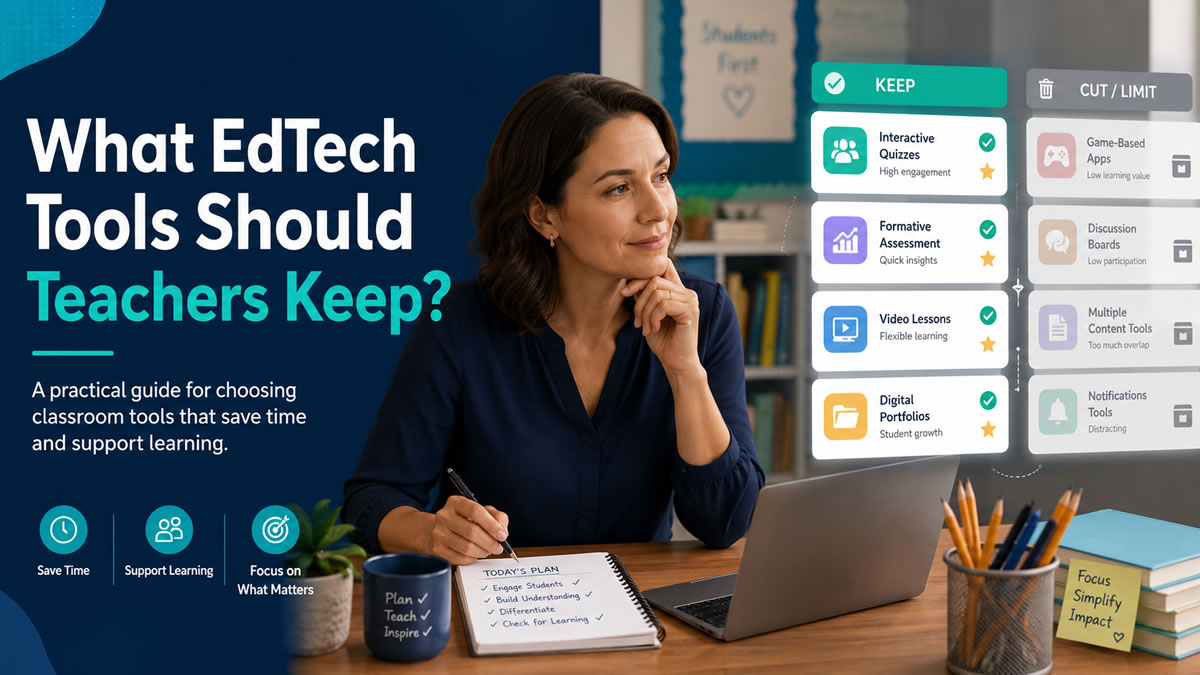
Instead of evaluating every tool based on popularity, start with classroom value. Sort each tool into one of three categories: keep, cut, or limit.
Keep: Tools That Support Learning and Workflow
Keep tools that consistently help you teach better or faster.
A tool is worth keeping when it:
- Fits into routines you already use
- Helps students retrieve, practice, create, explain, or apply knowledge
- Gives feedback quickly
- Provides useful information about student understanding
- Is simple enough to use without reteaching the platform every time
- Works across the devices your students actually have
For example, a review platform that lets students answer questions, get immediate feedback, and helps you see which questions were missed can be worth keeping because it supports both practice and instructional planning.
Cut: Tools That Add Work Without Adding Value
Some tools look impressive but do not improve the classroom experience.
Consider cutting a tool when it:
- Requires too much setup for a short activity
- Duplicates another tool you already use better
- Creates more behavior management than learning
- Produces reports that are hard to interpret
- Depends on student accounts, passwords, or permissions that frequently fail
- Is mostly used because it is familiar, not because it is effective
A tool can be fun and still not be worth keeping. If the activity takes 20 minutes to launch and produces five minutes of shallow practice, the tradeoff may not make sense.
Limit: Tools That Are Useful Only in Specific Situations
Not every tool needs to be used weekly. Some tools are valuable when used sparingly.
Limit a tool when it works well for:
- A specific unit
- A specific student need
- Occasional projects
- Enrichment
- Family communication
- A substitute plan
- A special review day
This category matters because the choice is not always keep forever or delete forever. Sometimes the right answer is “use less often and more intentionally.”
Pro Tip
Audit tools by routine, not by brand. Ask which tools support bell ringers, review, exit tickets, homework, differentiation, feedback, and reteaching. This makes the decision practical instead of personal.
The Five Questions Every EdTech Tool Should Pass
Before keeping a tool in your regular rotation, run it through these five questions.
1. Does It Save Teacher Time?
A tool does not need to save time every single day, but it should reduce workload somewhere.
That filter matters because teacher workload is already high. RAND’s 2025 teacher well-being report found that teachers reported working an average of 49 hours per week, which was ten hours more than their average contracted work week.
Look for time savings in:
- Lesson preparation
- Question creation
- Review setup
- Grading
- Feedback
- Progress monitoring
- Reteaching decisions
- Reusing materials across classes
For example, BrainFusion helps teachers turn lesson, training, or study content into browser-based learning games. One question set can be used across multiple game modes, which means teachers do not need to rebuild the same review activity from scratch every time they want a different format.
That is the kind of workflow advantage worth keeping: create once, reuse often.
2. Does It Support Retrieval Practice?
Students remember more when they practice pulling information from memory instead of only rereading, rewatching, or listening. That makes retrieval practice one of the most useful filters for classroom technology.
This idea is supported by decades of learning-science research. The Institute of Education Sciences practice guide Organizing Instruction and Study to Improve Student Learning recommends using quizzes and repeated exposure to help students retain important content. A classic study on test-enhanced learning also found that taking memory tests can improve later retention, not just measure what students already know.
Ask:
- Are students answering from memory?
- Are they getting feedback?
- Can they repeat missed material?
- Can the same content be revisited later?
- Does the tool make practice easier to fit into the week?
This does not mean every tool has to be a quiz tool. Students can retrieve through writing, discussion, whiteboards, games, flashcards, or explanation prompts. But if a tool mostly keeps students clicking, watching, or decorating without thinking, it may not deserve a central role.
BrainFusion game types such as Quiz Quest, Artifact Adventure, Ninja Fruit Frenzy, Flashcard Fusion, Helicopter Hangtime, and Smart Shot all begin with the same core idea: learners answer questions and receive feedback through play.
3. Does It Reduce Friction for Students?
A tool that looks simple to adults can still be frustrating for students.
Pay attention to friction points like:
- Login problems
- Forgotten passwords
- Confusing navigation
- Too many clicks before learning starts
- App installation requirements
- Device compatibility issues
- Slow loading on school Wi-Fi
- Accessibility concerns
Accessibility should be part of the keep-or-cut decision, not an afterthought. The CAST Universal Design for Learning Guidelines emphasize designing learning experiences so that all learners can access and participate in meaningful, challenging opportunities.
No student account requirements can be especially helpful for quick classroom activities. BrainFusion lets students join by code, which makes it easier to launch a review game without creating a new account-management task.
When a tool does require student accounts or personal information, teachers and schools should check district privacy procedures and official guidance. The U.S. Department of Education’s student privacy guidance for online educational services is a useful starting point for understanding privacy and security considerations.
The best classroom tools make the learning activity feel easy to enter. The technology should fade into the background quickly.
4. Does It Give Teachers Actionable Information?
Data is only useful if it helps you decide what to do next.
A strong EdTech tool should help you answer questions like:
- Which questions did students miss most often?
- Which concepts need reteaching?
- Which students may need more support?
- Which material is ready for spiral review?
- Which activity worked well enough to reuse?
A weak tool gives you a score and stops there. A stronger tool helps you see patterns.
Question-level analytics are especially valuable because they point to specific misunderstandings. If 70 percent of the class misses the same vocabulary question, that tells you something different than a low overall average. You can reteach one concept instead of repeating an entire lesson.
The key is whether the data becomes part of an instructional cycle: notice the pattern, decide what to reteach, and adjust the next activity. The Institute of Education Sciences practice guide Using Student Achievement Data to Support Instructional Decision Making recommends making data part of an ongoing cycle of instructional improvement.
Feedback matters here, too. The Education Endowment Foundation’s guidance report Teacher Feedback to Improve Pupil Learning notes that feedback can support progress when it helps address misunderstandings and close the gap between current and intended learning.
This is one reason game-based review can be more than a “fun Friday” activity. When the game produces useful missed-question data, it becomes part of your formative assessment routine.
5. Does It Fit a Real Classroom Routine?
The best tools fit where teaching already happens.
Before keeping a tool, decide where it belongs:
- Monday warmup
- Friday review
- Exit ticket
- Small-group station
- Independent practice
- Test prep
- Substitute plan
- Intervention block
- Early finisher activity
- Homework review
- End-of-unit challenge
If you cannot name the routine, the tool may become another “someday” resource.
For example, a BrainFusion review game might become your Thursday vocabulary check, your pre-test review, or your first 10 minutes after a long weekend. The value comes from repeatable use, not novelty alone.
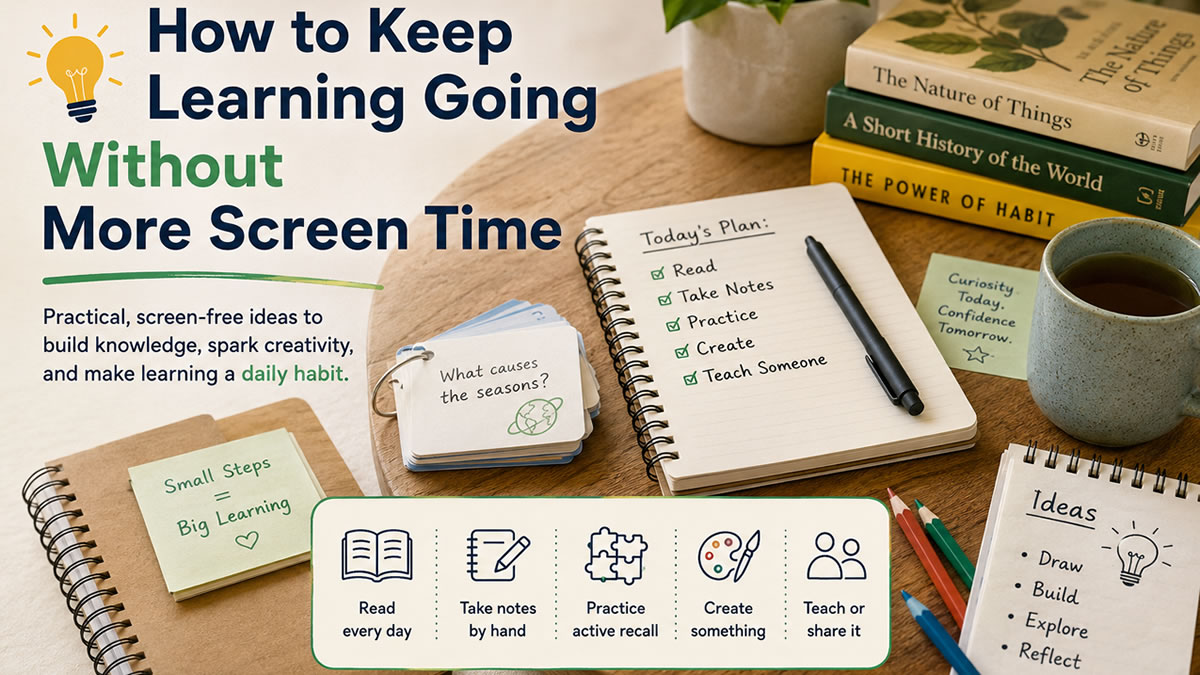
For low-screen routines that pair well with digital launch activities, read Keep Learning Going Without More Screen Time.
Watch Out
Do not keep a tool only because students enjoy it. Enjoyment matters, but the tool should also support practice, feedback, understanding, or classroom efficiency.
A Practical EdTech Audit for Teachers
You do not need a full spreadsheet to make better tool decisions. A simple 20-minute audit can clarify a lot.
Choose five tools you used this semester. For each one, answer:
- What classroom routine does this tool support?
- How often did I actually use it?
- What learning task did students complete?
- What feedback did students receive?
- What information did I get as the teacher?
- What setup problems happened repeatedly?
- Would I choose this tool again next month?
Then score each tool from 1 to 3:
- 3 = Keep: Clear learning value, low friction, useful routine
- 2 = Limit: Useful sometimes, but not a core tool
- 1 = Cut: More effort than impact
This audit works best when you are honest about actual use. A tool you planned to use is not the same as a tool that became part of teaching.
What a Lean Teacher Tech Stack Might Include
A lean EdTech stack does not mean using only one tool. It means every tool has a job.
A practical teacher stack might include:
- A learning management system for assignments and communication
- A content or presentation tool for direct instruction
- A practice tool for retrieval, review, and feedback
- A creation tool for student projects
- A data or assessment tool for tracking progress
- A communication tool for families or teams
BrainFusion fits naturally in the practice and formative feedback category. Teachers can create review games from lesson content, use one question set in multiple game modes, let students join without accounts, and review question-level results afterward.
That does not replace every classroom tool. It replaces the need for separate tools that only do one small piece of the review workflow. Explore pricing options designed for teachers to see which plan fits your classroom.
What Teachers Should Probably Keep
Teachers should keep EdTech tools that are:
- Easy to launch
- Easy for students to join
- Flexible across topics
- Useful more than once
- Connected to learning goals
- Capable of giving feedback
- Helpful for planning what comes next
That last point matters. A tool that helps students practice is good. A tool that helps students practice and helps the teacher decide tomorrow’s instruction is better.
What Teachers Can Let Go
Teachers can often let go of tools that:
- Only work for one narrow activity
- Require frequent troubleshooting
- Duplicate another tool
- Encourage shallow participation
- Hide useful data behind confusing reports
- Take more time to manage than they save
- Are used mainly because they are already bookmarked
Letting go of a tool is not a failure. It is a professional decision. Teachers do not need more platforms. They need better-fitting routines.
How BrainFusion Fits Into a Leaner Classroom Toolkit
BrainFusion is designed for teachers who want review and practice to be faster to create, easier to launch, and more useful after the activity ends.
Teachers can use BrainFusion to:
- Turn lesson content into playable review games
- Reuse one question set across multiple game types
- Run browser-based activities without student accounts
- Give students immediate feedback during practice
- Review question-level analytics after a session
- Build repeatable routines for bell ringers, exit tickets, review days, and test prep
The goal is not to add one more tool to an already crowded list. The goal is to replace scattered review workflows with one flexible practice system.
For a step-by-step classroom creation workflow, see From Lesson Plan to Game in Minutes.
Next Steps
The EdTech tools teachers should keep are the ones that make teaching clearer, practice easier, and feedback more useful. A tool does not need to be flashy to earn its place. It needs to support a real classroom routine.
Start with one audit. Pick five tools, score them honestly, and decide what to keep, limit, or cut. Then build your core routines around the tools that actually help students practice and help you teach with more clarity.
Keep the Tools That Make Practice Easier
Create a low-prep review game from your existing lesson content and see how BrainFusion fits into your classroom routine.