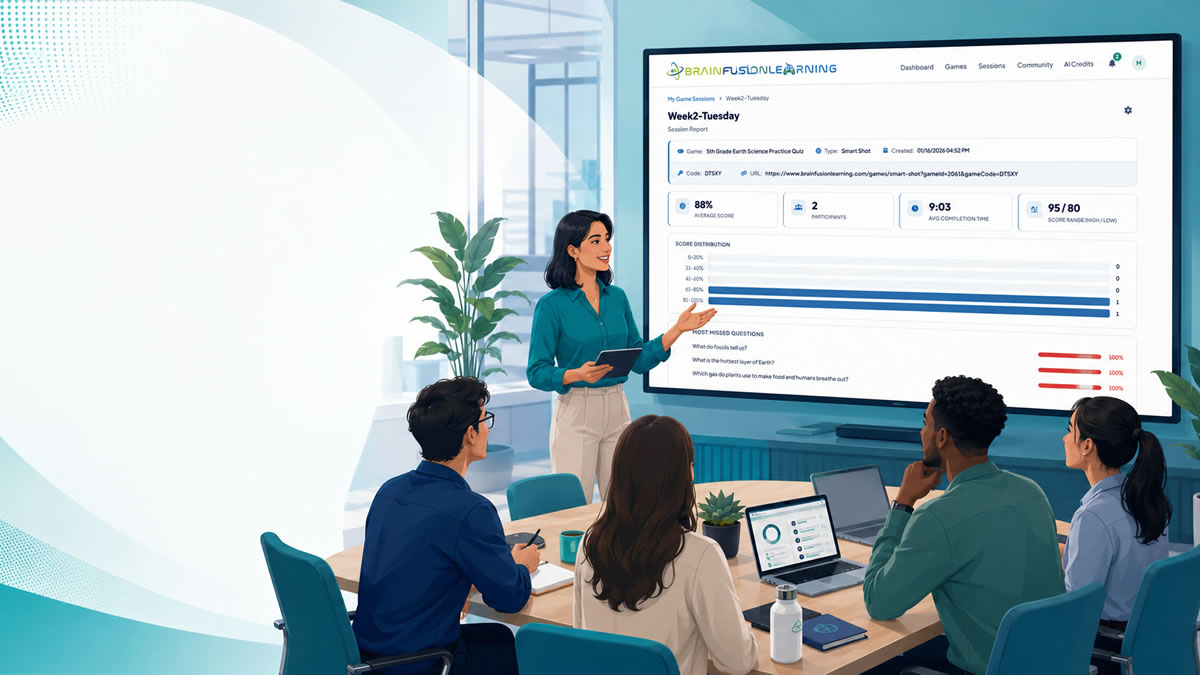
New employee onboarding has to do more than welcome people to the company.
It has to help new hires understand what matters, remember where to find help, practice the decisions they will make, and feel confident enough to contribute. That is a lot to ask from slide decks, handbook links, and one long first-day meeting.
Gamified onboarding activities can help when they are practical. The goal is not to make onboarding feel childish or turn every policy into a competition. The goal is to give new employees short, active ways to recall information, apply it in realistic situations, and get feedback before mistakes show up in real work.
Here are onboarding activities HR teams, L&D managers, and trainers can use to make the first days and weeks more engaging without adding a heavy software rollout.
What Makes Onboarding Hard to Remember
New hires usually receive too much information at once:
- Company history
- Benefits and payroll details
- Security and compliance expectations
- Team norms
- Product or service information
- Role-specific tools and workflows
- Escalation paths
- Manager expectations
- First-week and first-month milestones
Even motivated employees forget details because onboarding often creates information overload. They may complete every module and still be unsure which channel to use, where to find a policy, who approves a request, or what to do in a common customer or team scenario.
That is why onboarding should include more than content delivery. It should include retrieval practice, realistic examples, immediate feedback, and spaced follow-up.
For a deeper look at the reinforcement side, read How to Improve Knowledge Retention After Employee Training.
Activity 1: First-Week Process Quest
A first-week process quest helps new employees practice the basic workflows they will need right away.
Use it for questions like:
- Where do you submit a time-off request?
- Which system stores customer notes?
- Who approves a purchase request?
- What should you do if you cannot access a required tool?
- Where is the latest version of the team playbook?
Keep the activity short. Ten questions is usually enough. The point is to make the first week feel navigable, not to test every detail in the employee handbook.
How to run it
- List the 8 to 12 processes a new employee must use in week one.
- Turn each process into a scenario question.
- Run the activity after the main onboarding walkthrough.
- Review missed questions and clarify confusing steps.
- Repeat the hardest items near the end of the first week.
Example question:
You need access to a reporting dashboard before your first customer review. What is the first step?
This type of question is more useful than asking new hires to define the name of an internal system. It checks whether they can take the next action.
Activity 2: Policy Spot-Check Game
Policies are important, but new employees rarely remember a policy because they read it once.
A policy spot-check game turns the most important rules into short decisions. This works especially well for:
- Data privacy
- Cybersecurity basics
- Code of conduct
- Expense policies
- Safety procedures
- Remote work expectations
- Communication norms
The key is to use approved policy language as the source, then rewrite questions in plain workplace language.
Example:
A customer sends a spreadsheet with personal information to the wrong inbox. What should you do first?
For onboarding, avoid making policy games feel like legal exams. Focus on the situations new employees are likely to encounter in the first 30 to 60 days.
BrainFusion can help HR teams create a first draft from approved onboarding or policy content, but the draft should always be reviewed before employees play. For more on policy-focused training, see Using AI to Build Training Quickly From Existing Policies.
Activity 3: Team Norms Trivia
Team norms are often explained informally, which makes them easy to miss.
A short team norms activity can help new hires understand expectations around:
- Meeting etiquette
- Response-time expectations
- Project handoffs
- Documentation habits
- Escalation paths
- Decision-making norms
- Feedback and review processes
This is not about forcing employees to memorize company culture slogans. It is about making unwritten expectations visible.
Good questions include:
- A project is blocked and the owner is out of office. What should you do?
- Which channel should you use for urgent customer-impacting issues?
- When should a decision move from chat to a documented ticket?
- What should you include in a handoff note before PTO?
This activity works well in a live onboarding cohort because employees can discuss answers after each round. For remote employees, it can also work asynchronously as a quick browser-based knowledge check.
Activity 4: Product or Service Match-Up
New employees often need product knowledge before they are ready to use it confidently.
A product match-up activity helps them connect customer needs, product features, service tiers, internal terms, or common use cases.
Use it for:
- Sales onboarding
- Customer support training
- Product team onboarding
- Account management
- Operations training
- Franchise or multi-location training
Example questions:
- A customer wants to train 50 employees across three locations. Which plan or internal team should handle the request?
- A support ticket mentions a missing report. Which feature should you check first?
- A buyer asks for a quick way to reinforce policy knowledge. Which use case best fits?
This activity is especially useful because it gives new employees practice applying product knowledge, not just repeating feature names.
For broader workplace use cases, read How Game-Based Learning Improves Corporate Training Outcomes.
Activity 5: Role-Specific Scenario Challenge
Generic onboarding saves time, but role-specific practice is what helps new employees perform.
Create one short scenario challenge for each major role or department:
| Role | Scenario Focus |
|---|---|
| Sales | Matching customer pain to the right offer or next step |
| Support | Choosing the right troubleshooting or escalation path |
| Operations | Following process steps and safety expectations |
| HR | Handling employee questions with the right policy reference |
| Managers | Responding to performance, scheduling, or team issues |
| IT | Prioritizing access, security, and incident requests |
Keep each scenario focused on one decision. New hires should not need to read a long case study to answer.
Example:
A new customer says they are frustrated because they cannot find their session report. What should the support rep check first?
These scenarios help managers see whether new employees understand the job well enough to make the right first move.
Activity 6: New-Hire Knowledge Check After Day One
The end of day one is a good time for a light knowledge check.
For a ready-to-adapt structure, use our employee training knowledge-check examples and five-question template. Choose questions about decisions new hires have already been taught, then use their answers to plan the next explanation.
Keep it low stakes. The goal is to reduce uncertainty, not make new employees feel evaluated before they have started.
Ask questions about:
- Where to find the onboarding checklist
- How to contact the manager or buddy
- Which tools they need by the end of week one
- How to report access issues
- What the next onboarding milestone is
- Which policies require immediate attention
Useful day-one feedback sounds like:
Correct. If you cannot access a required tool, submit an access request and notify your manager so the blocker is visible.
Weak feedback sounds like:
Correct.
Feedback should teach the process, not just mark the answer.
Activity 7: Buddy-Led Review Round
Many onboarding programs assign a buddy, but the buddy role can become vague.
A buddy-led review round gives the buddy a structured activity to run with the new hire. It can be a 10-minute game, a quick quiz, or a shared scenario review.
Topics can include:
- "Things I wish I had known in week one"
- Common tool mistakes
- Customer or team terminology
- Where to find templates
- Who to ask for specific issues
- How the team handles urgent work
This activity works because it combines social connection with practical recall. It also gives the buddy a concrete way to support the new employee without improvising the entire conversation.
Activity 8: 30-Day Refresher Game
The first month is when new hires start connecting onboarding content to real work.
A 30-day refresher game helps reinforce what matters after employees have context.
Include questions from:
- Day-one basics employees still miss
- Process steps used in real work
- Product or service details
- Common customer or internal scenarios
- Policy areas with higher risk
- Questions missed in earlier onboarding checks
The best 30-day refresher is not a repeat of the first-day quiz. It should be sharper because you now know which topics were confusing.
If your training tool gives question-level results, use the most missed questions to decide what to include. With BrainFusion, trainers can review session results and reuse the same question set in a follow-up activity.
A Simple Gamified Onboarding Plan
You do not need to gamify the entire onboarding program. Start with a small sequence.
| Timing | Activity | Goal |
|---|---|---|
| Day 1 | New-hire knowledge check | Confirm the basics and reduce uncertainty |
| Day 3 | First-week process quest | Practice the workflows new hires need immediately |
| Week 1 | Buddy-led review round | Make team norms and practical tips visible |
| Week 2 | Role-specific scenario challenge | Connect onboarding to real job decisions |
| Day 30 | Refresher game | Reinforce what matters after real work begins |
This gives new employees repeated chances to recall, apply, and ask better questions.
The Learning Scientists describe retrieval practice as a way to strengthen memory by pulling information out instead of only putting information in. Their guidance on spaced practice also supports revisiting learning over time instead of relying on one long session.
For onboarding, that means shorter activities across the first month are usually more useful than one overloaded first day.
Where BrainFusion Fits
BrainFusion helps HR, L&D, and training teams turn onboarding content into short, browser-based learning games.
Teams can:
- Generate draft questions from existing onboarding material
- Import questions from a CSV or edit them manually
- Run live sessions with simple join codes
- Give new hires immediate feedback during play
- Review question-level results after the activity
- Reuse the same question set in different game formats
This makes BrainFusion useful for onboarding knowledge checks, process review, policy refreshers, product knowledge, and role-specific scenarios.
It should not replace your HRIS, LMS, policy sign-off process, or legal review workflow. Use it as an engagement and reinforcement layer that helps new employees practice what they need to remember.
Common Mistakes to Avoid
Avoid these onboarding traps:
- Turning onboarding into trivia that does not connect to real work
- Using competition for sensitive policy or performance topics
- Asking new hires to memorize details they can simply look up
- Running one long game instead of several short activities
- Letting AI generate unreviewed policy or role-specific content
- Measuring only completion instead of understanding
- Forgetting to use missed questions for follow-up
The best gamified onboarding activities are focused, respectful, and practical. They help employees know what to do next.
Final Takeaway
Gamified onboarding works best when it helps new employees practice real decisions in short, low-pressure moments.
Start with one onboarding gap:
- First-week processes
- Team norms
- Product knowledge
- Policy basics
- Role-specific scenarios
Then create a 5 to 10 minute activity, review the missed questions, and repeat the hardest items later in the first month. That simple loop can make onboarding clearer, more memorable, and easier to improve.
For more HR and L&D examples, explore the corporate training games topic guide.
Turn onboarding content into a new-hire knowledge check
Create a browser-based onboarding game from existing process, policy, product, or team training material, then review what new employees understood.