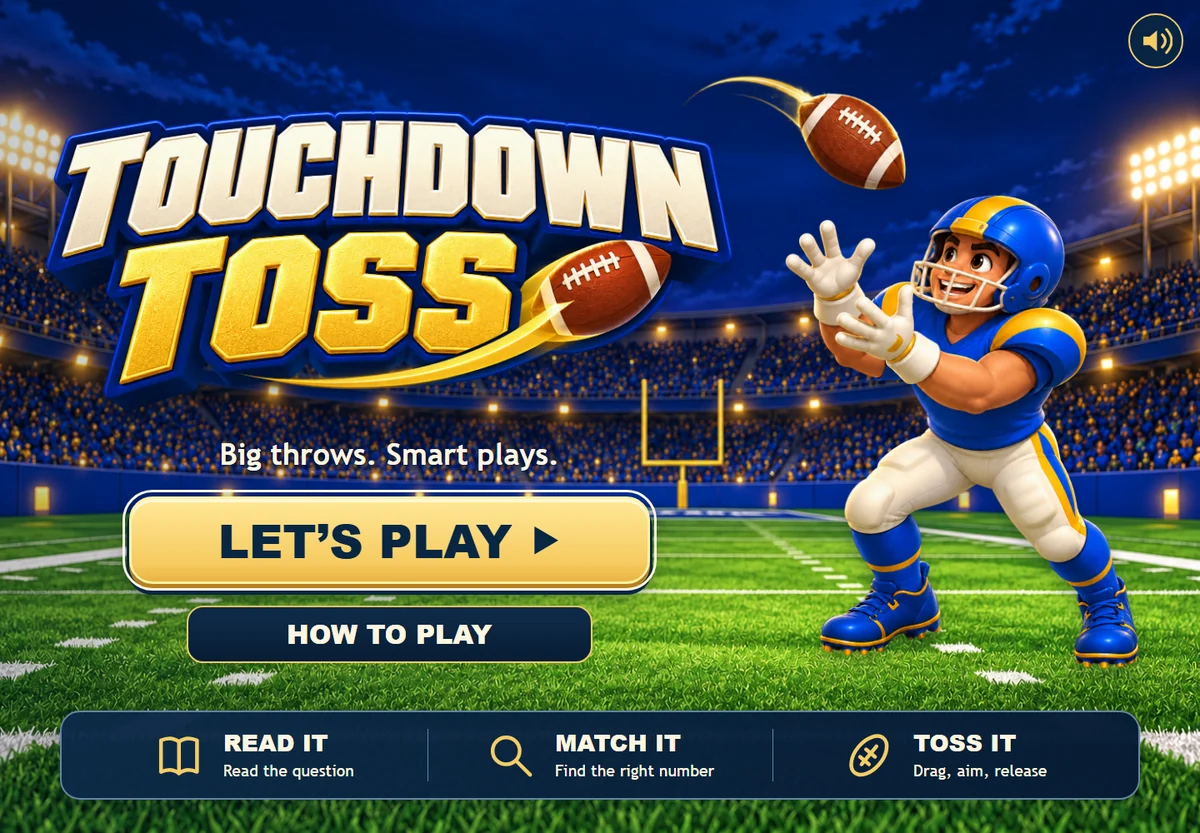
Your next review session has a new play: read the question, find the right receiver, and send the football flying.
Touchdown Toss is BrainFusion's new football learning game. It turns your multiple-choice questions into passes to moving receivers. Each receiver carries an answer number, and players have up to four downs to complete a pass to the correct one. Questions missed during the main round can return in an optional bonus round.
Bring a vocabulary set, a math review, or a few questions from yesterday's lesson. The football theme supplies the setting; your questions decide what players practice.
Read it. Match it. Toss it.
Playing a question takes three steps:
- Read the question and choose an answer. Each answer choice has a number beside it.
- Find a receiver with that number. The number identifies the answer choice, not the answer's value.
- Drag the football to aim, then release to throw. The aiming marker moves opposite your drag, like a slingshot. Pull down and right to aim up and left, then time your release for a moving receiver.
For example, the screenshot below asks, "What is 2 + 2?" The answer 4 is labeled 2, so the player aims for receiver 2. That small distinction is worth demonstrating before a class starts.
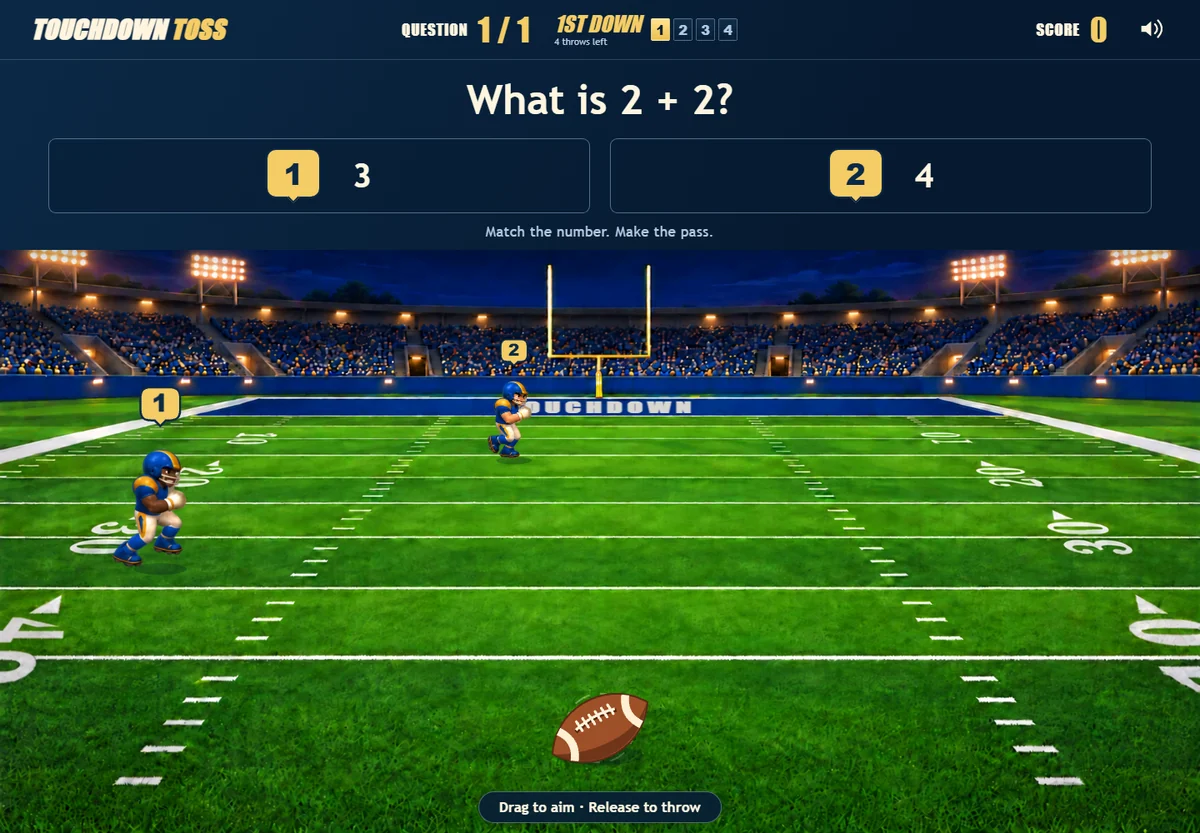
A completed pass to the correct receiver earns 100 points and advances to the next question. Knowing the answer and landing the throw both matter, so give players a little time to get used to aiming.
Four downs give players room to try again
A pass that misses every receiver uses a down. So does a catch by a receiver carrying the wrong answer number. If downs remain, the same question stays on screen for another attempt.
After four unsuccessful attempts, the game shows the correct answer before moving on. If the question set has an answer timer enabled, time can run out before all four throws are used; the game then reveals the answer for review.
For a first session, model one question aloud: "I think this is the answer because... Now I need the receiver with that number." This makes the reasoning part of the routine before everyone concentrates on the pass.
Missed questions get a bonus round
At the end of the main round, players who missed questions can choose one bonus round to practice those questions again. Each gets four fresh downs, subject to any enabled answer timer, and another chance to earn its 100 points.
Only missed questions return. A question already completed correctly does not earn points again in the bonus round. Results show the main round and bonus performance separately, alongside the combined score.
Use that second chance as a prompt for discussion: "What did you change about your answer?" or "Did you know the answer but miss the receiver?" Those are different situations, and the conversation can help you decide what to revisit.
Try a short football review activity
Start with five to eight questions on one learning goal. That is a suggested first activity, not a game limit. Choose questions with one correct answer and two to six distinct choices.
- Vocabulary: Put a word in a short sentence and ask which meaning fits.
- Math: Ask for a calculation or the next step in a familiar problem.
- Science: Ask students to identify a process from a brief description.
- Workplace training: Use a short, approved scenario and ask which action follows the procedure.
Keep choices concise enough to read while following the receivers. For help writing plausible alternatives, see our guide to better multiple-choice questions with AI.
Demonstrate one pass, let learners work through the set, and leave time to discuss one or two difficult questions. If the aiming mechanic gets in someone's way, have them explain their answer separately or offer another game format. A missed throw alone does not tell you whether they understood the content.
In a teacher's session, players can enter their name and save their final score for the leaderboard and question-response report. Use those responses to choose a follow-up question or explanation. Our guide to question-level analytics and reteaching offers ways to turn a report into a teaching decision.
Bring your questions to the field
Open a question set in My Games, or create a new one, and select Touchdown Toss for practice or a new session. Players join through the browser, with no student account or installation required.
You can explore Touchdown Toss for a closer look at the game, or create a free BrainFusion account to prepare your first set.
Pick a topic your learners have already studied, check your questions, and make the first pass.