Biology & chemistry
Revisit cell processes, scientific vocabulary, or reaction concepts from the current unit.
Question idea Which organelle is the main site of aerobic cellular respiration in a eukaryotic cell?
BrainFusion for high schools
Turn your course content into purposeful recall practice. Build games for unit review, exam preparation, and independent study, then use question-level results to focus the next lesson.
Course-specific questions. No student accounts. No app to install.
Recall first. Then check your answer.
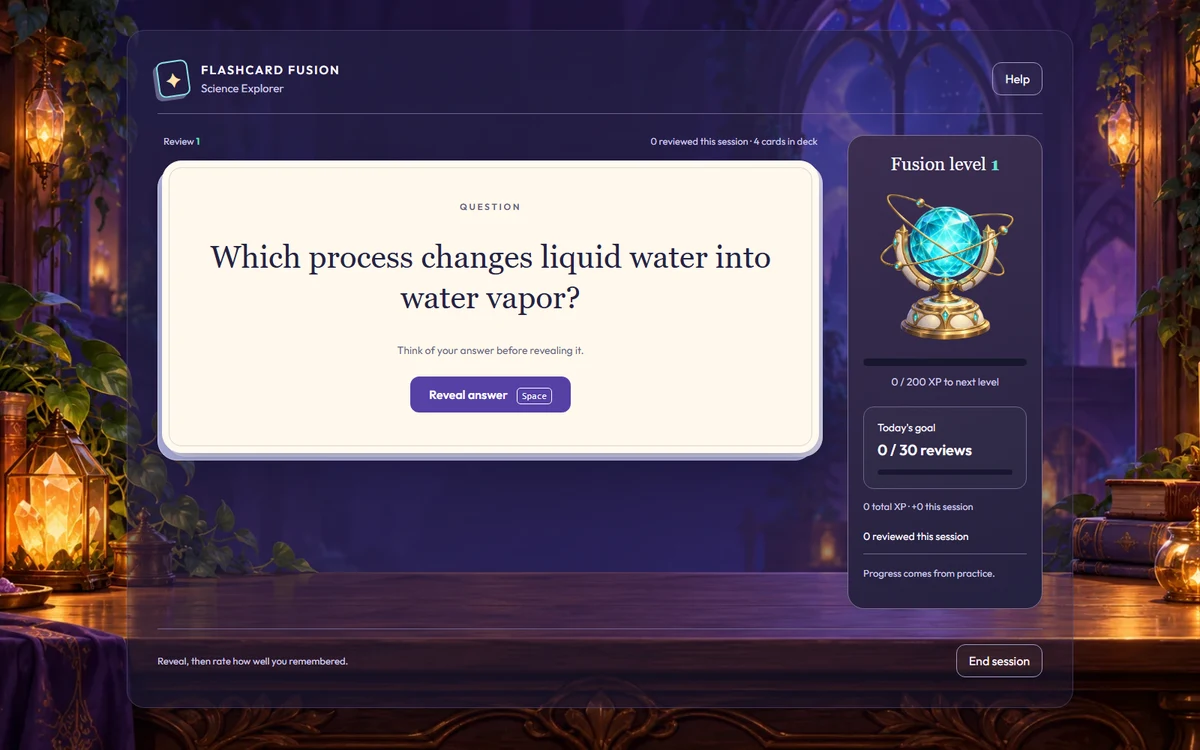
Bring your own course questions to Flashcard Fusion's spaced repetition review.
Explore Flashcard FusionBuilt around what you teach
Choose concepts students need to recall, distinguish, or apply in a short question. Use the game results to decide where a deeper explanation is needed.
Revisit cell processes, scientific vocabulary, or reaction concepts from the current unit.
Question idea Which organelle is the main site of aerobic cellular respiration in a eukaryotic cell?
Review functions, definitions, and short calculations before students explain their methods on paper.
Question idea What are the solutions to x² − 5x + 6 = 0?
Build retrieval questions around literary terminology, source context, and events from your course.
Question idea Which feature most directly distinguishes a primary historical source from a secondary source?
Practice vocabulary in context and grammar choices based on language students have already studied.
Question idea Which Spanish word best completes “Necesito una chaqueta porque hace ___”?
These are ideas for teacher-created question sets. Pair game practice with the explanations, extended writing, and worked solutions your course calls for.
Make exam review a routine
Build opportunities to retrieve course content throughout your teaching sequence.
Build a focused question set from a course objective. Enter questions, import a CSV, or review an AI draft for accuracy and scope.
Use a game during class or share a code for independent practice. Try Quiz Quest for question-and-answer review or Flashcard Fusion for spaced repetition.
Review question-level results, ask students to explain their thinking, and revisit difficult content before a later practice opportunity.
A reason to retrieve. IES-supported research on test-enhanced learning includes middle and high school classrooms. BrainFusion gives teachers a way to build recall questions and immediate feedback into course review.
Independent study, with direction
Share a code for a focused course question set. Tell students which material to revisit and how to bring unanswered questions back to class. Flashcard Fusion uses spaced repetition to schedule card review; other games provide a different setting for answering your questions.
Browse sample gamesFor department chairs and school leaders
Try a question set for a current unit, review teacher feedback and classroom fit, and discuss the next step for your staff.
For school review: Privacy Policy · Terms of Service
Before your first game
Yes. Build review questions from your course content and learning goals, then use missed answers to choose what to revisit. Teachers decide how the questions relate to their exams. Follow practice games with the written explanations, problem solving, or other tasks your assessment requires.
Yes. Teachers can share a game code for students to practice through a supported browser. Flashcard Fusion offers recall-based card review with spaced repetition. Give students clear instructions about which content to review and how it connects to the course.
Teachers can enter questions for their own courses, including biology, chemistry, history, English, math, and world languages. Import a CSV or use AI to draft a set, then check subject accuracy, answer choices, notation, and reading level before sharing.
Question-level results show which questions students missed during a game. Use them to prioritize review topics and follow-up conversations, alongside other assessment evidence. Check students' explanations and worked solutions when you need to understand their reasoning.
No. Teachers create an account; students join with a code and display name in a supported browser. No app installation is required. Use school-approved nicknames and follow your school's technology and privacy requirements.
A teacher can start free with a focused question set for one course. Review Educational Pricing or contact BrainFusion to discuss multiple teachers, your subject areas, and school purchasing questions.
Put your course content to work
Start with one course objective and the questions students need to practice.