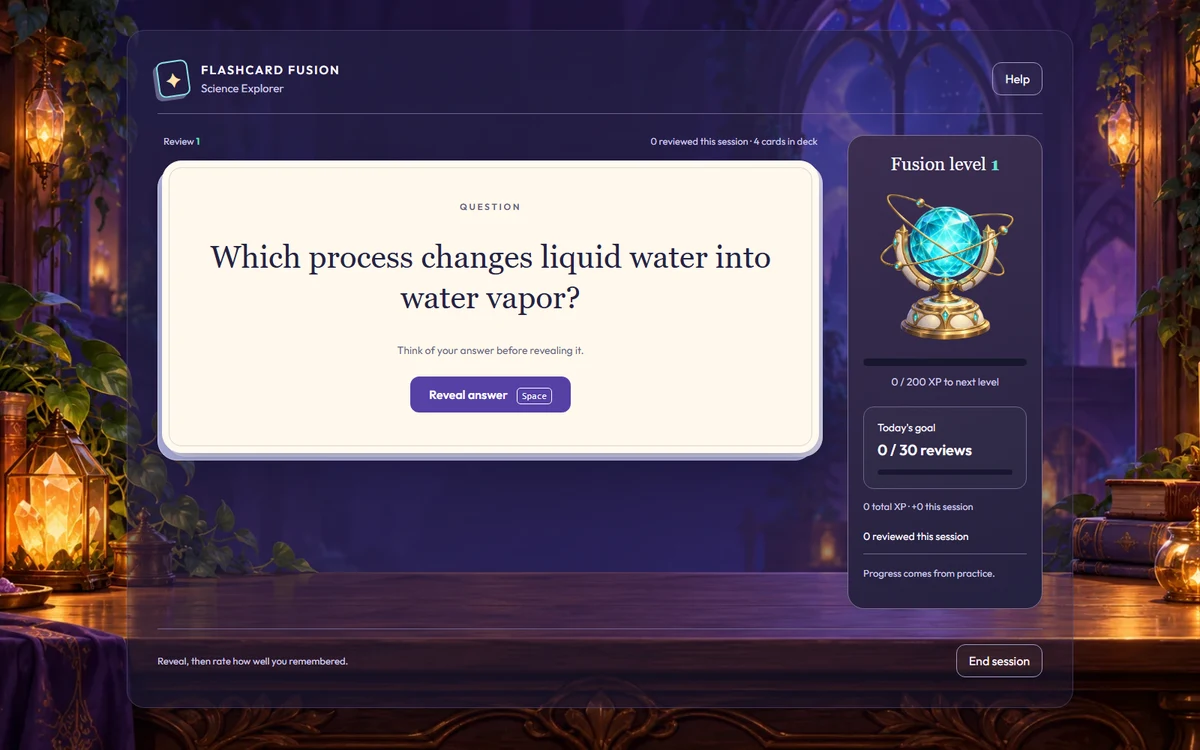
From first discoveries to final-exam review, turn what you teach into games students can practice with. Keep your curriculum at the center and use the results to guide what comes next.
Create a Game FreeExplore School Pricing
Browser-based play. No student accounts. Your questions.
One teaching goal. A simple routine.
01
Create
Bring your questions, import a CSV, or review an AI-generated draft.
02
Play
Choose a game and share a join code with your students.
03
Review
Look at question-level results and find the next teaching moment.
Find your classroom
A different starting point. The same purpose: practice.
Explore examples and teaching routines for your school level. Grade configurations vary, so choose the ideas that fit your learners.
Start with a classroom. Plan for your teaching staff.
Try one focused activity, gather teacher feedback, and review the classroom fit. When you're ready to discuss multiple teachers, explore educational pricing or talk with us about your school.
View Educational PricingTalk About Your School
Make the first activity useful.
Teach first. Choose a skill or concept students have already encountered.
Check the fit. Preview content, game controls, and your school's devices and network.
Review together. Use question-level results alongside classroom observations to plan follow-up teaching.
Six questions with explanations. No account needed.
Before your first game
Questions from schools.
Which school levels can use BrainFusion?
Teachers can create practice for elementary, middle school, junior high, and high school classes. Choose the content, reading level, and game controls to fit your students. Younger learners may need teacher-guided play. The school-level pages offer examples for each audience.
How do students join?
Teachers create an account; students join through a supported web browser with a game code and display name. No student accounts or app installation are required. Use school-approved nicknames and review your school's technology and privacy requirements before student use.
How do we explore BrainFusion for our staff?
Start with a teacher-created activity and a clear learning goal. Review Educational Pricing for your school size, or contact BrainFusion to discuss your teaching staff, classroom needs, and purchasing questions.
Bring your curriculum into play
See where BrainFusion fits.
Explore the games, then create a question set for your next lesson.