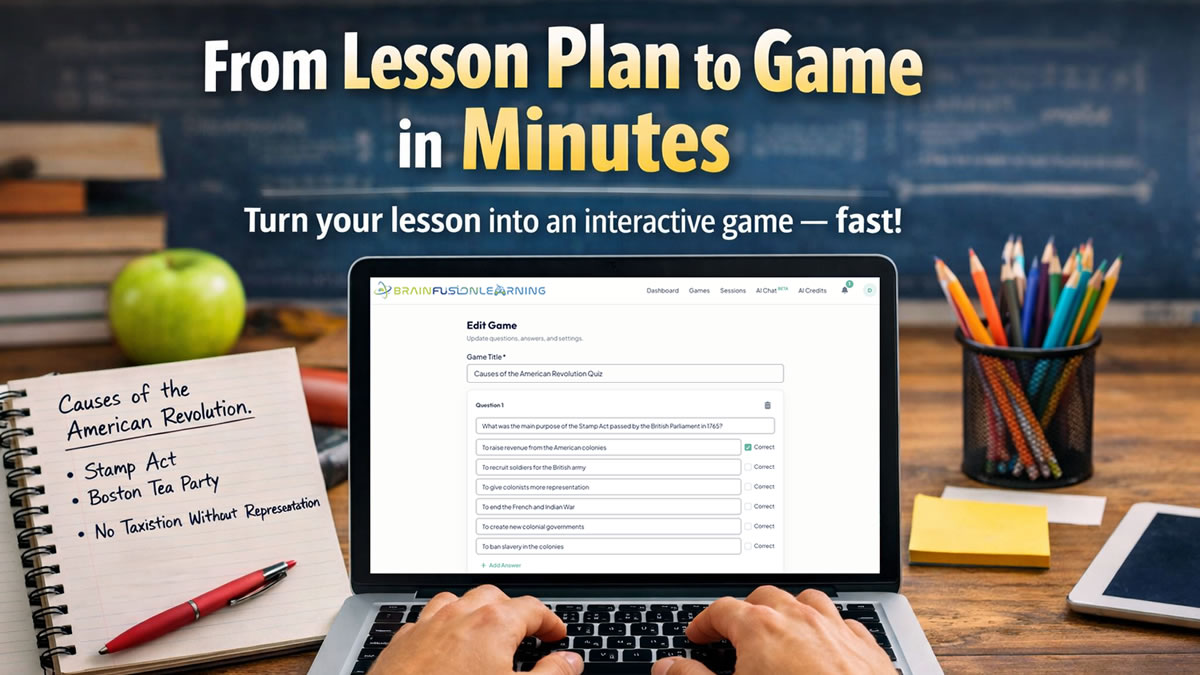
A classroom question bank is one of those resources that becomes more useful every time you teach. Instead of rebuilding a quiz, bell ringer, review game, or exit ticket from scratch, you pull a small set of questions that already match the skill you want students to practice.
The key is to build a bank you can actually search and improve. A folder full of old tests is an archive. A useful question bank tells you what each item measures, when to use it, and whether it worked.
Quick Answer
Start with one unit and 30 questions. Tag every item by learning objective, question purpose, challenge level, and status. Use the bank for low-stakes retrieval throughout the unit, then mark each question Keep, Revise, or Retire after seeing how students respond.
This guide gives you a practical structure, a 30-question starter blueprint, a copy-ready AI prompt, and a simple maintenance routine that keeps the bank useful all year.
What Is a Classroom Question Bank?
A classroom question bank is an organized collection of reusable questions tied to specific learning goals.
It is different from a single quiz or test. A quiz is one finished activity. A question bank is the source you use to build many activities:
- Prior-knowledge checks
- Bell ringers
- Guided practice
- Review games
- Exit tickets
- Small-group reteaching
- Unit quizzes
- Cumulative review
The same question may serve more than one purpose, but it should always have a clear instructional job.
The University of Washington’s guidance on constructing tests recommends using question banks and randomization when building quizzes. It also emphasizes that questions should map to what students explored in class rather than simply filling space on an assessment.
That alignment is what makes a bank valuable. You are not collecting trivia. You are building a reusable map of what students should know, explain, compare, and apply.
Start With the Structure, Not the Questions
The fastest way to create an unusable question bank is to paste 200 questions into one document and promise yourself you will organize them later.
Define the fields first. A spreadsheet works well because it is searchable, sortable, shareable, and easy to export.
Use these columns:
| Field | What to Record | Example |
|---|---|---|
| ID | A stable question number | BIO-CELL-014 |
| Unit | Where the question belongs | Cells and Systems |
| Learning objective | What students should know or do | Compare plant and animal cells |
| Question | The complete prompt | Which structure is found in plant cells but not animal cells? |
| Correct answer | The best answer | Cell wall |
| Distractors | Plausible incorrect answers | Cell membrane; nucleus; cytoplasm |
| Purpose | When the item is most useful | Misconception check |
| Challenge | A planning label, not a permanent verdict | Foundational |
| Misconception tag | The wrong idea an item may reveal | Confuses cell wall and membrane |
| Source | Where the content came from | Unit 2 notes, page 4 |
| Status | Draft, Reviewed, Proven, Revise, or Retired | Reviewed |
| Last reviewed | The most recent content check | 2026-07-27 |
Keep the first version simple. If a field does not help you find, use, or improve a question, leave it out.
The learning objective is the most important column. Both the University of Connecticut’s guide to writing effective multiple-choice questions and Yale’s guidance on designing assessment questions recommend aligning questions with intended learning outcomes.
Without that field, it is difficult to tell whether your bank covers the unit or merely contains a lot of questions.
Use This 30-Question Starter Blueprint
You do not need a complete year of questions before the bank becomes useful. Build one unit at a time.
For the first unit, create 30 questions across six purposes:
| Question Purpose | Number | What It Reveals |
|---|---|---|
| Foundational recall | 6 | Whether students remember essential facts, terms, or steps |
| Explain or compare | 6 | Whether students understand relationships and distinctions |
| Apply in context | 6 | Whether students can use knowledge in a scenario or example |
| Misconception checks | 4 | Which predictable wrong idea is guiding an answer |
| Prior-knowledge checks | 4 | Which prerequisite knowledge is ready or missing |
| Spaced review | 4 | Whether earlier learning is still accessible after a delay |
This is a starting mix, not a universal formula. A vocabulary-heavy language unit may need more foundational items. A science or social studies unit may benefit from more scenarios, evidence interpretation, and comparison questions.
Yale recommends using varied question types to get a more complete view of student learning. The Australian Education Research Organisation also advises combining factual and higher-order prompts rather than treating retrieval practice as fact recall alone in its spacing and retrieval practice guide.
The blueprint helps you notice gaps early. If all 30 questions ask students to identify definitions, the bank is not ready to tell you whether students can apply the ideas.
Write Questions That Produce Useful Information
A reusable question must do more than have a correct answer. It should give you useful evidence about student thinking.
Use this five-part check:
1. Match one clear learning objective
Write the objective before the question. If you cannot name what the item measures, the item probably does not belong in the bank yet.
2. Put the complete problem in the prompt
Students should understand what they are being asked before scanning the choices. Avoid vague stems such as “Which of the following is true?” when the prompt can name the actual concept.
3. Make one answer clearly best
If two answers could be defended, the question may measure test-taking strategy instead of understanding. Add the context needed to make the intended answer unambiguous.
4. Use plausible distractors
Weak distractors make a question look easier than the underlying skill. Good distractors often come from real misconceptions, reversed relationships, incomplete reasoning, or common calculation errors.
5. Remove accidental clues
Check answer length, grammar, repeated words, absolutes such as “always,” and patterns in the correct-answer position. Students should choose the answer because they understand the content.
For before-and-after examples and a detailed editing checklist, use our guide to building better multiple-choice questions with AI.
Let AI Draft Questions, but Keep Approval Human
AI can accelerate the first draft of a question bank, especially when you already have lesson notes, a study guide, or a standards-aligned source. It should not be the final reviewer.
The University of Michigan’s 2026 guidance on prompting AI to develop multiple-choice questions reports that prompts combining learning objectives with explicit item-writing rules produced more relevant questions and more plausible distractors in its course-design work.
That means “write 20 quiz questions” is not enough direction.
Use a prompt like this:
Create 12 draft questions for [grade and subject] using only the source material below.

Learning objectives:
- [Objective 1]
- [Objective 2]

Question mix:
- 3 foundational recall questions
- 3 explain or compare questions
- 3 application questions using short scenarios
- 3 misconception checks

Rules:
- Align every question to one listed objective.
- Write one clear prompt with one best answer.
- Include three plausible distractors based on likely student errors.
- Avoid trick questions, double negatives, “all of the above,” and opinion questions.
- Do not introduce facts that are absent from the source.
- Add a one-sentence explanation of the correct answer.

Output a table with:
Objective | Purpose | Question | Correct Answer | Distractor 1 | Distractor 2 | Distractor 3 | Explanation

Source material:
[Paste lesson notes, reading, or study guide]
Then review every draft for:
- Factual accuracy
- Grade-level language
- Alignment to the stated objective
- One defensible correct answer
- Plausible distractors
- Missing context
- Cultural assumptions or avoidable bias
- Content that was invented rather than drawn from the source
AI is useful for producing options. Teacher judgment decides whether the item belongs in the bank.
Put the Bank to Work Before the Unit Test
A question bank creates the most value when questions appear throughout instruction, not only at the end.
The Institute of Education Sciences recommends using quizzing with active retrieval to re-expose students to key content and help identify what still needs to be learned. AERO similarly recommends spacing recall across lessons instead of concentrating all review into one session.
Use this weekly rotation:
| Moment | Pull From the Bank | Suggested Use |
|---|---|---|
| Monday | 3 prerequisite questions | Prior-knowledge check |
| Tuesday | 4 current-unit questions | Bell ringer or guided practice |
| Wednesday | 5 mixed questions | Low-stakes game |
| Thursday | 3 misconception questions | Small-group discussion |
| Friday | 5 current and older questions | Cumulative retrieval round |
The exact days do not matter. The pattern does:
- Ask students to retrieve.
- Give useful feedback.
- Notice what they miss.
- Bring important questions back after a delay.
For a longer rotation, adapt the schedules in our spiral review routines guide.
Improve the Bank With Student Responses
The first draft tells you what a question was intended to do. Student responses tell you what it actually did.
After using a set, assign one of five statuses:
- Draft: Not yet checked by another knowledgeable person or used with students
- Reviewed: Accurate, aligned, and ready for use
- Proven: Produced clear, useful evidence of understanding
- Revise: Wording, answer choices, difficulty, or alignment needs work
- Retired: Outdated, redundant, misleading, or no longer tied to the curriculum
Penn State’s Schreyer Institute explains that item analysis can help educators decide which questions to keep, revise, or remove from an item pool. You do not need advanced statistics to begin using that idea.
Review these patterns:
| Response Pattern | What to Check |
|---|---|
| Almost everyone answers correctly | Keep for foundational or spaced review, but do not assume it measures deep understanding |
| Almost everyone misses it | Check instruction, timing, source coverage, and wording before labeling it “hard” |
| One distractor attracts many students | Add a misconception tag and plan a contrast or reteach |
| Strong explanations conflict with the answer key | Recheck the key and whether more than one answer is defensible |
| Students ask what the question means | Simplify the prompt without removing the intended thinking |
| The item duplicates another question | Keep the clearer version and retire the weaker one |
Question-level results are especially helpful here. Our guide to using question-level analytics for reteaching shows how to turn missed questions into a focused next step.
Use a Master Bank With BrainFusion
BrainFusion does not need to replace your master spreadsheet. It gives you a fast way to turn a selected set of questions into active practice and collect useful results.
A practical workflow looks like this:
- Keep the complete question bank in your shared spreadsheet.
- Filter by objective, purpose, or status.
- Export the selected questions as a spreadsheet file.
- Import the question set into BrainFusion.
- Review and edit the questions before assigning the game.
- Choose from six playable learning game formats.
- Run a class session without requiring student accounts or installation.
- Review question-level results and update the master bank.
You can also use BrainFusion’s AI workflow to create a game from existing lesson material, then move approved questions into your long-term bank. See how to turn a lesson plan into a game for that process.
This keeps ownership with the teacher. The spreadsheet remains the durable curriculum resource. The game becomes one way to use, test, and improve the questions.
Set Up Your First Bank in 30 Minutes
If the full system feels like too much, use one planning period:
Minutes 0–5: Choose one unit
Pick a unit you will teach soon and list three to five learning objectives.
Minutes 5–10: Create the columns
Set up the spreadsheet fields from this article. Keep only the fields you will use.
Minutes 10–20: Add questions you already trust
Pull from last year’s quiz, lesson slides, exit tickets, and review materials. Do not rewrite everything yet.
Minutes 20–25: Tag the questions
Add the objective, purpose, status, and misconception tag where relevant.
Minutes 25–30: Build one activity
Select five to ten questions for a bell ringer, game, or exit ticket. After students answer, revise the bank based on what you learn.
The goal of the first session is not a perfect database. It is a small bank you can use tomorrow.
Build Once, Learn From Every Use
A good classroom question bank reduces repeated setup, but its bigger value is instructional memory.
It remembers which questions exposed a misconception. It keeps strong application prompts from disappearing in last year’s files. It makes spaced review easier because old questions are tagged and ready. It also gives teaching teams a shared resource that can improve instead of restarting each semester.
Start with one unit and 30 questions. Align every item to an objective. Use the questions before the final test. Then let student responses tell you what to keep, revise, and retire.
That is how a question bank becomes more than storage. It becomes part of how you plan, practice, and respond.
For more classroom workflows, explore the classroom learning games topic guide.
Sources
- University of Connecticut: Writing Effective Multiple Choice Questions
- University of Washington: Constructing Tests
- Yale Poorvu Center: Designing Assessment Questions
- Institute of Education Sciences: Organizing Instruction and Study to Improve Student Learning
- Australian Education Research Organisation: Spacing and Retrieval Practice Guide
- University of Michigan: Writing Effective AI Prompts for Multiple-Choice Question Development
- Penn State Schreyer Institute: Item Analysis
Turn Your Question Bank Into a Learning Game
Select a focused question set, import it into BrainFusion, and give students active practice with immediate feedback.